


In short: if a DJ's rider says “CDJ-3000”, rent the CDJ-3000. For parties, weddings and corporate events the CDJ-2000 NXS2 is the more affordable choice that every club DJ can operate. Only if you want to play music from CD do you definitely need the NXS2, because the CDJ-3000 has no CD drive.
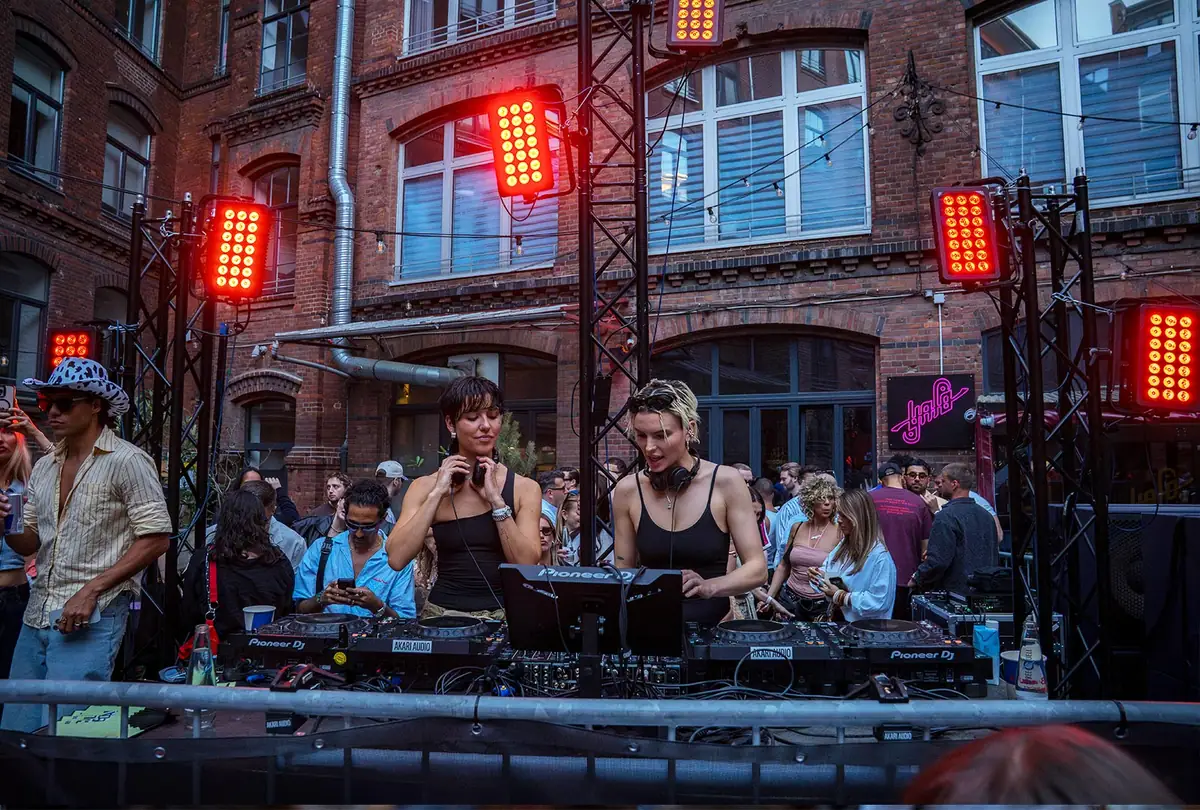
DJ booth with CDJs at 72 HOURS May Day Open Air
01. The key differences
- Display: The CDJ-3000 has a 9-inch touchscreen, the CDJ-2000 NXS2 a smaller 7-inch touchscreen. Waveforms and track lists are much easier to read on the larger display.
- CD drive: Only the CDJ-2000 NXS2 plays CDs. The CDJ-3000 plays from USB stick, SD card or via the network.
- Processor: The CDJ-3000 runs on its own MPU processor. Loading and browsing are noticeably faster.
- Features: Both have 8 hot cues. The CDJ-3000 also adds Key Sync, Key Shift and Touch Preview.
- Operation: Jog wheel, buttons and layout are very similar. Anyone who knows an NXS2 will feel at home on the CDJ-3000 right away.
- Software: Both play tracks prepared with rekordbox and can be linked via Pro DJ Link.
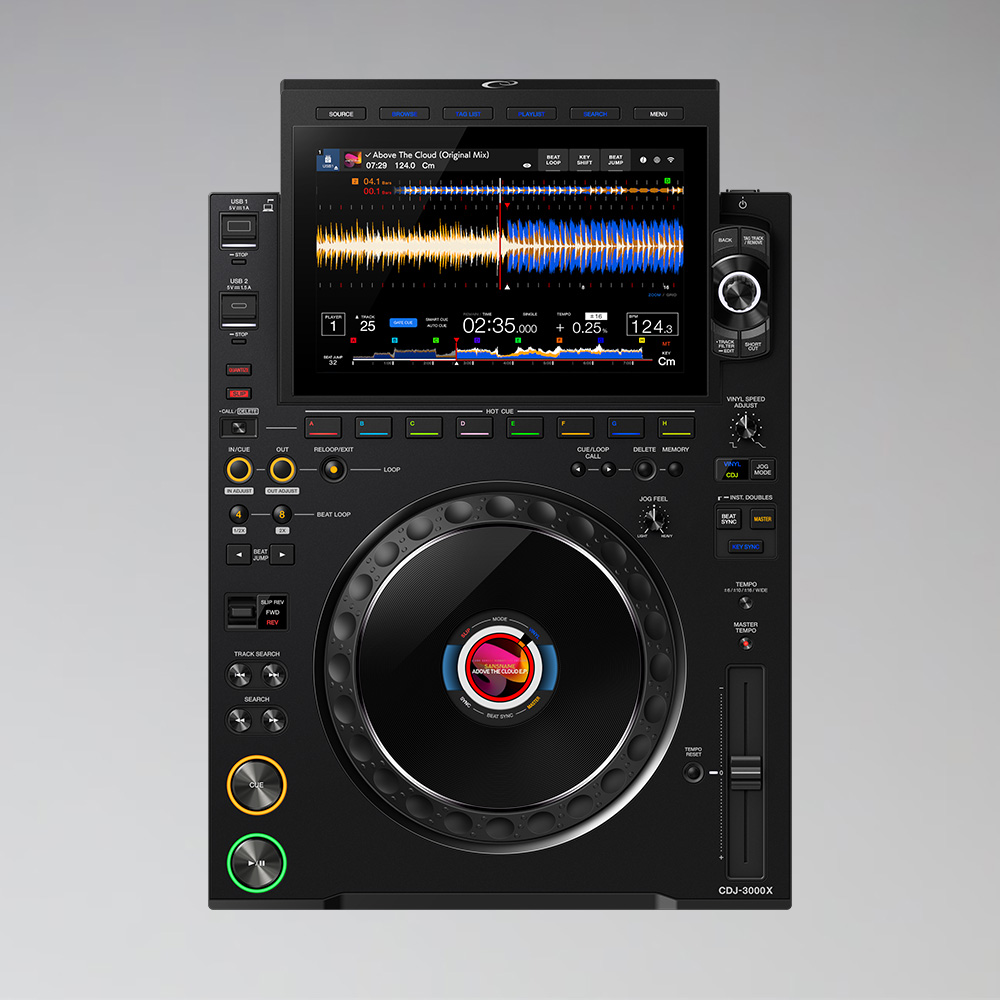
And the CDJ-3000X? The successor to the CDJ-3000 was released in September 2025 under the AlphaTheta name. It has a 10.1-inch touchscreen, Wi-Fi for streaming services such as Beatport and TIDAL, and two USB-C ports. In return the SD card slot has been dropped. Handling and layout largely match the CDJ-3000.
02. What does it cost to rent?
- Pioneer CDJ-3000: €74 per rental day and player
- Pioneer CDJ-3000X, the latest generation: €80
- Pioneer CDJ-2000 NXS2: 60 €
- Pioneer CDJ-2000 Nexus, the predecessor: €50
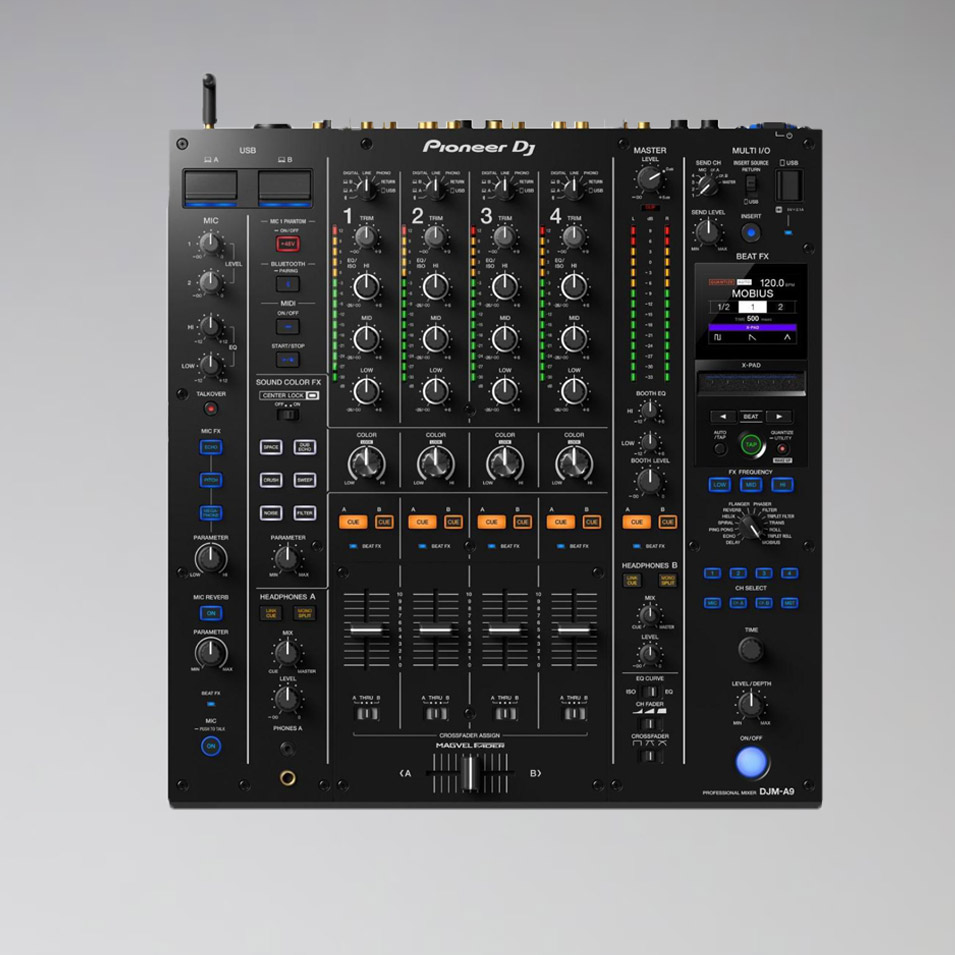
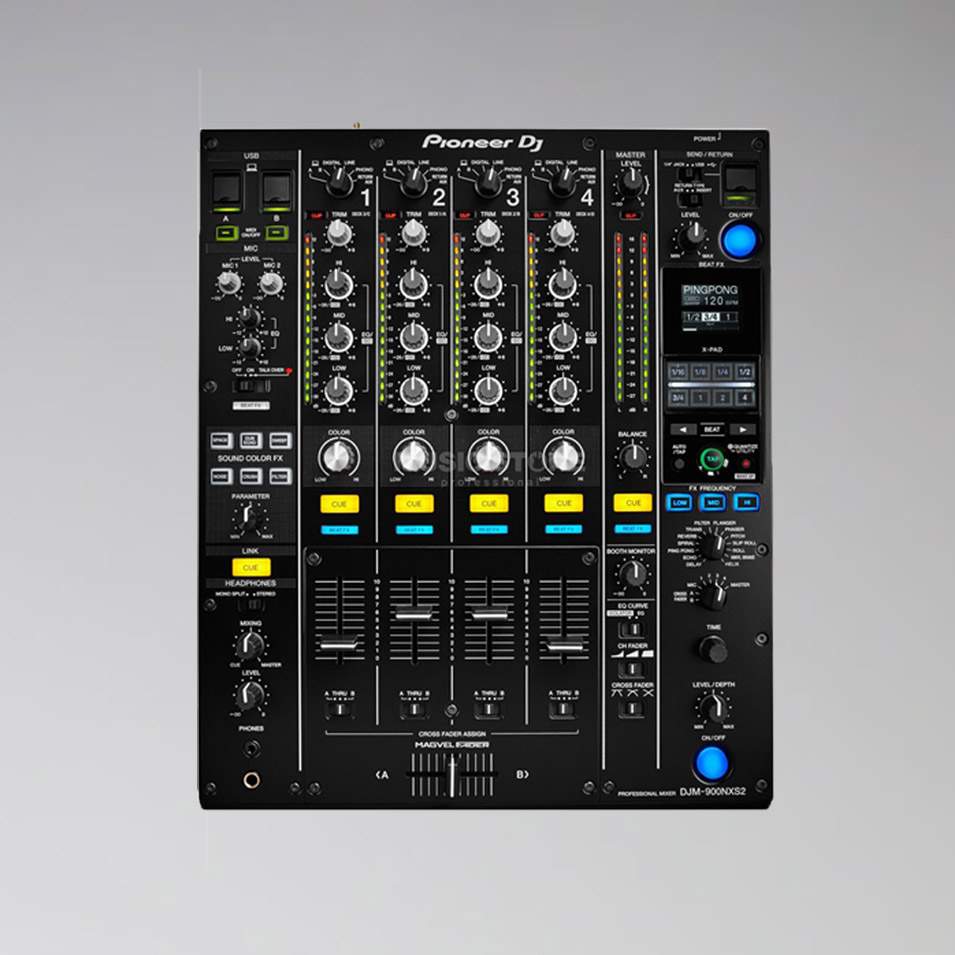
Bundled with a mixer it gets cheaper, for example DJM-A9 + 2 × CDJ-3000 for €195 or DJM-900 NXS2 + 2 × CDJ-2000 NXS2 for €175. All prices net per rental day plus VAT.
03. When the CDJ-3000 is the right choice
- The DJ asks for it in the rider. That is almost always the case for club nights, festivals and booked artists.
- Several DJs play one after another and expect the current club standard.
- Long sets with a lot of browsing. This is where the large display pays off.
04. When the CDJ-2000 NXS2 is enough
- Wedding, birthday or corporate event with a DJ who has no fixed requirements.
- The DJ also plays from CD.
- The budget is tight. Two NXS2 save around €28 per day compared to two CDJ-3000.
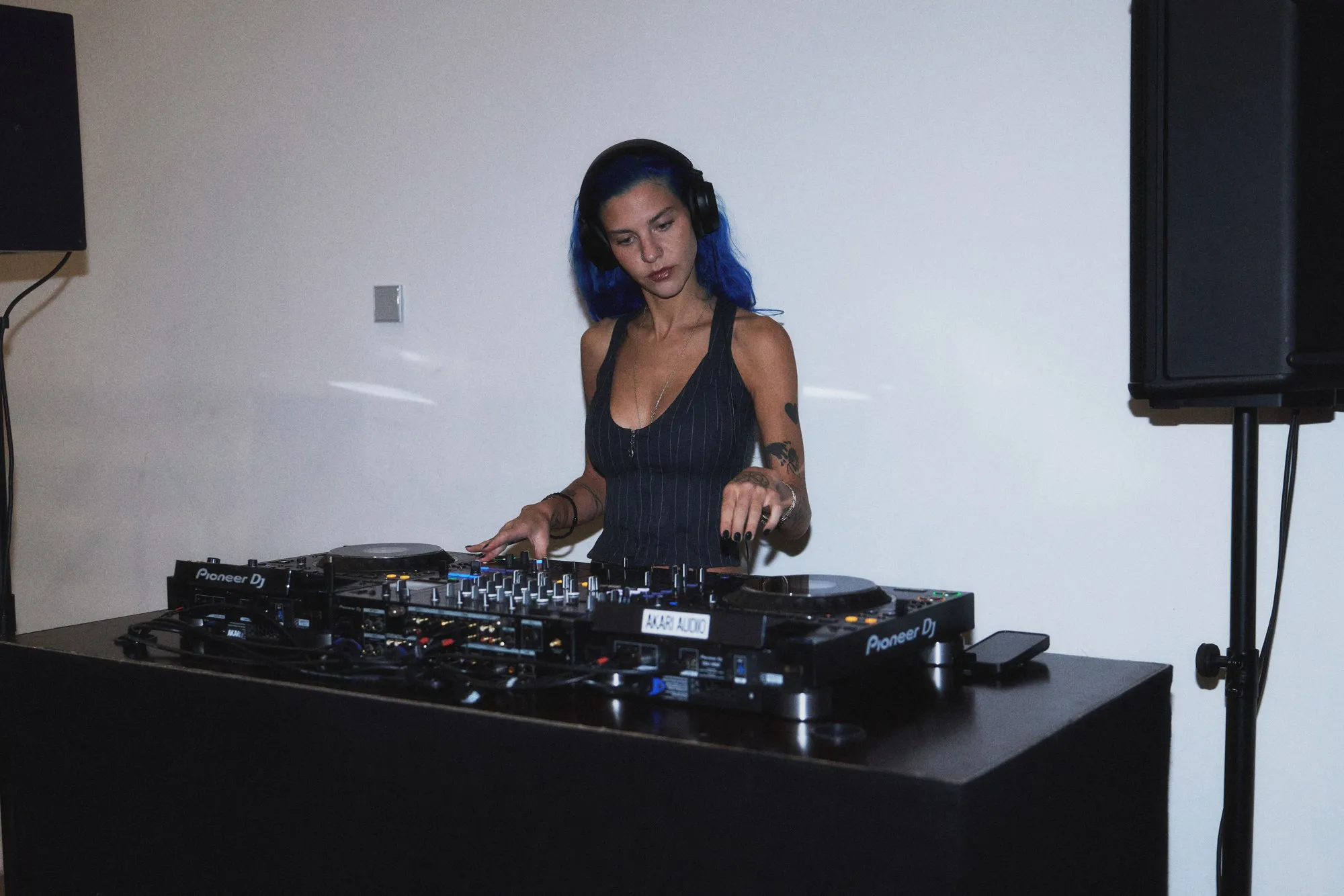
DJ setup at the G-Star event in Lobe Block
05. Can you mix CDJ-3000 and NXS2?
Technically yes: both use Pro DJ Link and read the same rekordbox USB sticks. For a consistent feel we still recommend two identical players side by side, because display and jog wheel feel different.
06. The connections compared
On the back the players look very similar. All have an analogue RCA output, a digital coaxial output and a LAN port for Pro DJ Link. The differences are in the storage media and the computer connection.
| Player | Audio outputs | Network | Computer | Music from |
|---|---|---|---|---|
| CDJ-3000X | RCA analogue, coaxial digital | LAN, Wi-Fi | USB-C | USB-A, USB-C, Streaming |
| CDJ-3000 | RCA analogue, coaxial digital | LAN | USB-B | USB-A, SD card |
| CDJ-2000 NXS2 | RCA analogue, coaxial digital | LAN | USB-B | USB-A, SD card, CD |
| CDJ-2000 Nexus | RCA analogue, coaxial digital | LAN | USB-B | USB-A, SD card, CD |
According to the manufacturer data sheets from Pioneer DJ and AlphaTheta.
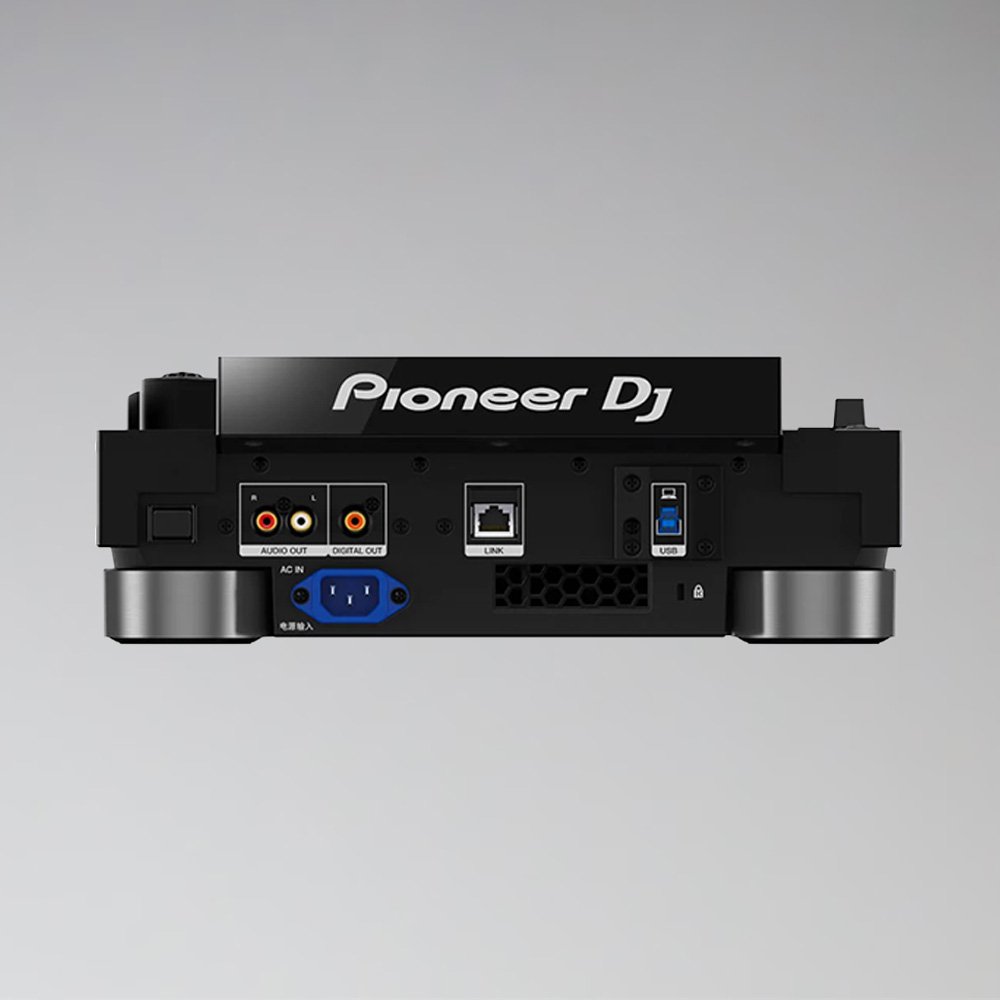
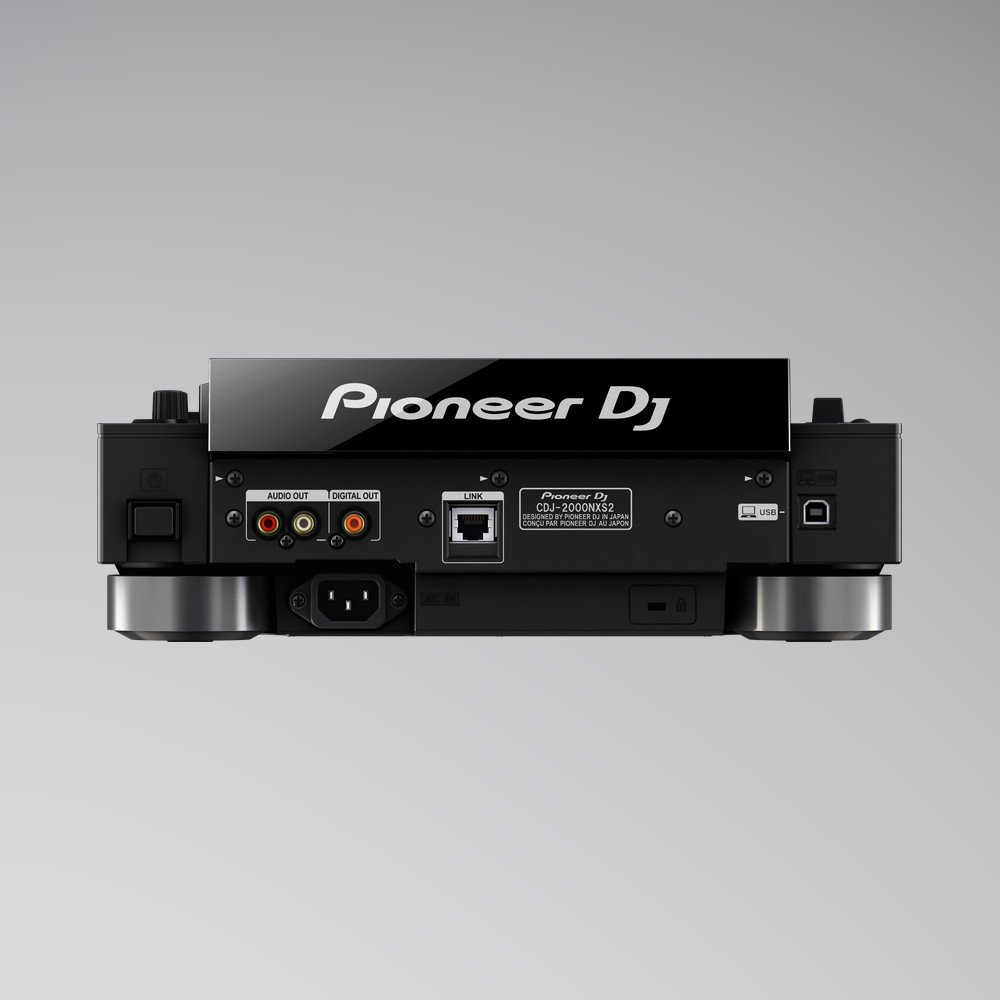
Rear of the CDJ-3000 (left) and CDJ-2000 NXS2 (right): RCA output, digital output, LAN, USB and power socket
Important for DJs with a laptop: anyone controlling rekordbox or Serato via cable on the player needs a USB-C cable for the CDJ-3000X and a USB-B cable (printer cable) for the other players. SD cards no longer work on the CDJ-3000X; USB sticks work on all models.
07. How to connect CDJs to the mixer
For a setup with two players you need one audio cable, one LAN cable and one power cable per player. All cables come with our players.
- Position the players: The mixer goes in the middle, the players to its left and right. In clubs it is common to put the two players on mixer channels 2 and 3. Channels 1 and 4 stay free for turntables or a third and fourth player.
- Connect audio digitally: Plug the coaxial cable into the DIGITAL OUT of the player and into the DIGITALinput of the matching mixer channel. Set the input selector at the top of the channel to DIGITAL. This keeps the signal digital all the way into the mixer, with no unnecessary conversion.
- Or connect analogue: The RCA cable (red/white) goes from the AUDIO OUT to the CD/LINE or LINEinput. The input selector is then set to CD or LINE. Our tip: connect both cables. If one path fails, simply switch over on the mixer.
- Pro DJ Link via LAN: Connect each player and the mixer to a network switch with LAN cables. All players can then read music from the same USB stick and match tempo with Beat Sync, and the mixer effects run in time. Make sure the player number on the display matches the mixer channel, i.e. player 2 on channel 2.
- Mixer to the sound system: The MASTER OUT (XLR) goes to the PA system, the BOOTH OUT to the DJ monitor. Plug the headphones into the front of the mixer.
- Switch on last: Only plug in the power cables once all connections are made. Switch on the players and mixer first, then the amplifiers or active speakers. Switch off in reverse order.
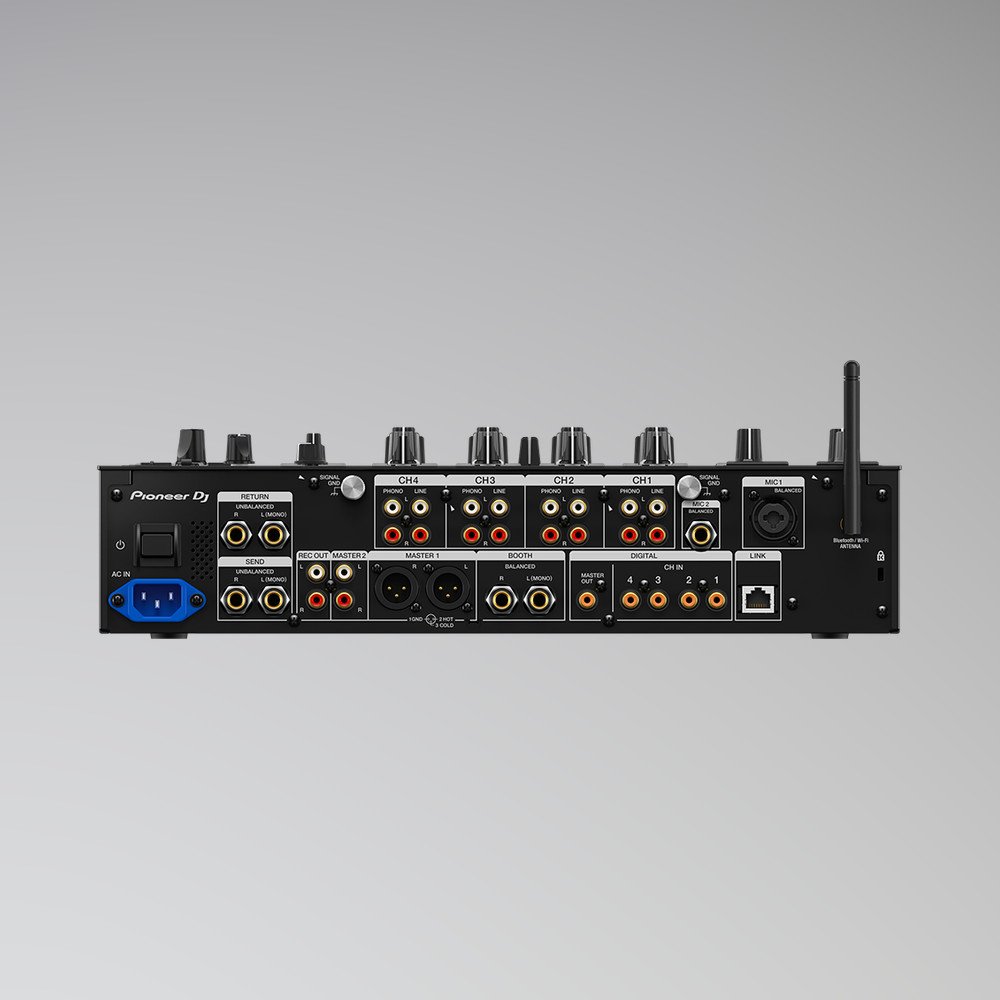
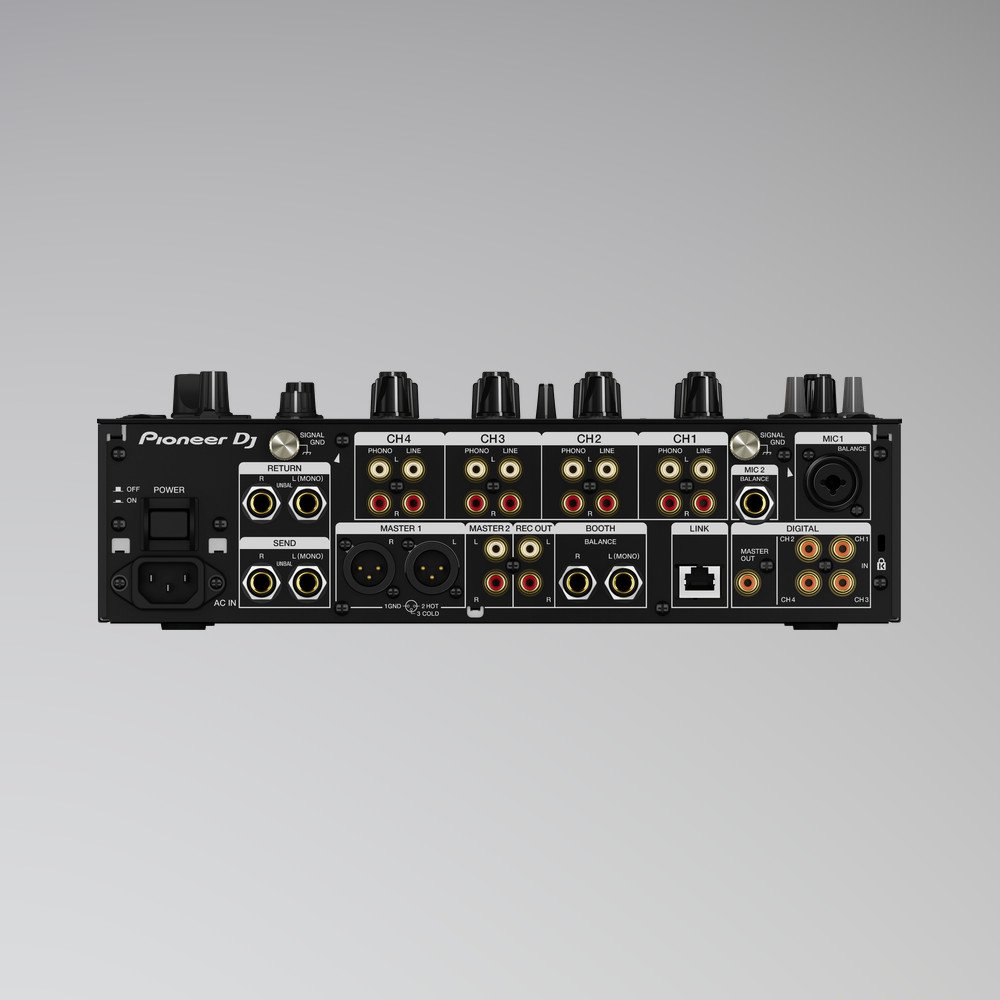
Rear of the DJM-A9 (left) and DJM-900 NXS2 (right): each of the four channels has a digital coaxial input, a line input and a phono input
Common mistakes:
- No sound on the channel: The input selector is set to the wrong source, for example PHONO instead of DIGITAL.
- Very loud and distorted: The player is plugged into the phono input. That is meant for turntables and amplifies the signal far too much.
- Players can't see each other: The LAN cable is not plugged in or two players have the same number.
08. Which mixer goes with it?
With the CDJ-3000, DJs most often ask for the DJM-A9, the DJM-V10 or a Xone:96 . The classic match for the CDJ-2000 NXS2 is the DJM-900 NXS2. The differences are explained in our guide DJ mixers compared.
09. Rent in Berlin
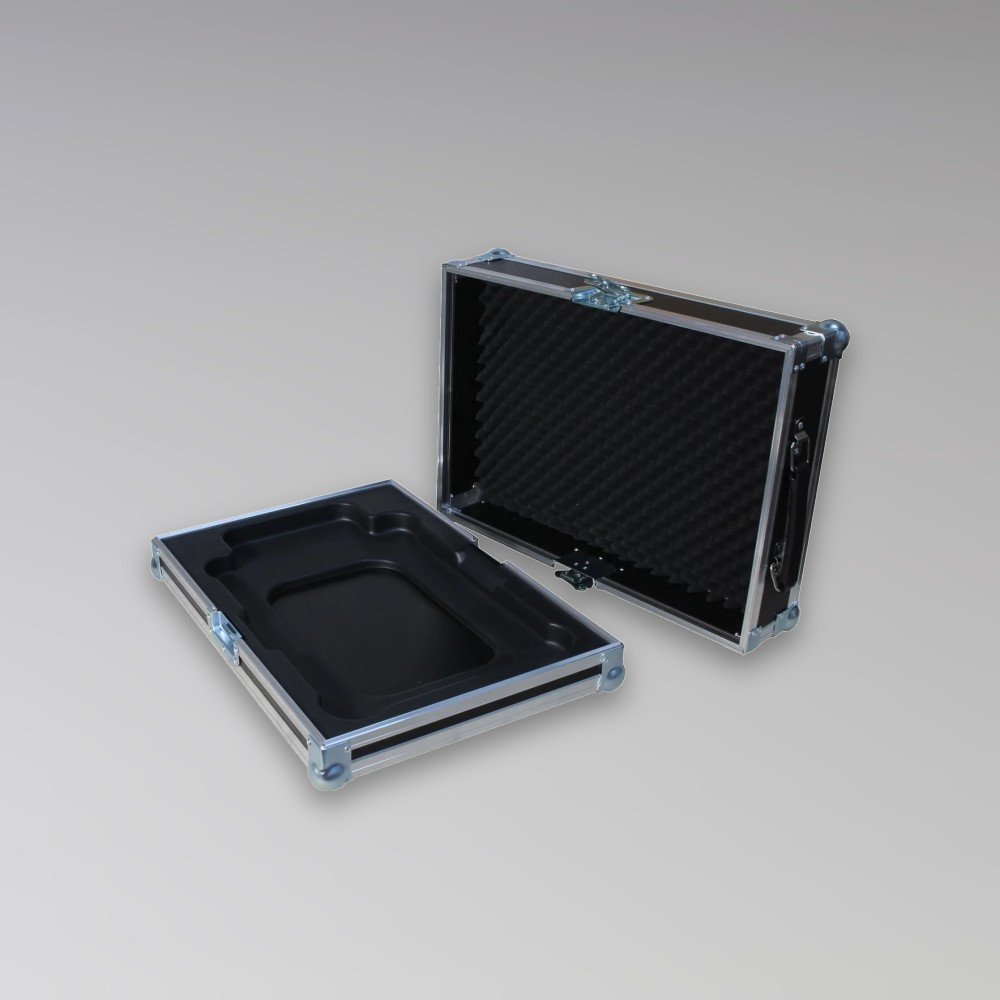
All players come with current firmware, cables and flight case. You pick them up in Berlin-Tempelhof or we deliver and set up the DJ booth. Picking up on Friday and returning on Monday costs only one rental day.
View all CDJs →
Not sure what your DJ needs? Send us their rider. Write to us or call: 030 2000 5443.

Related Posts
Setting up a turntable properly: tonearm, stylus, tracking force and grounding
Tonarm ausbalancieren, Auflagekraft und Antiskating einstellen, richtig…


Office Christmas party: the AV equipment you really need
Mic, music system, lights and power: the checklist for the Christmas party…
Power at events: mains connection, generator or battery?
How much power does your party need, when is a socket enough, and when…