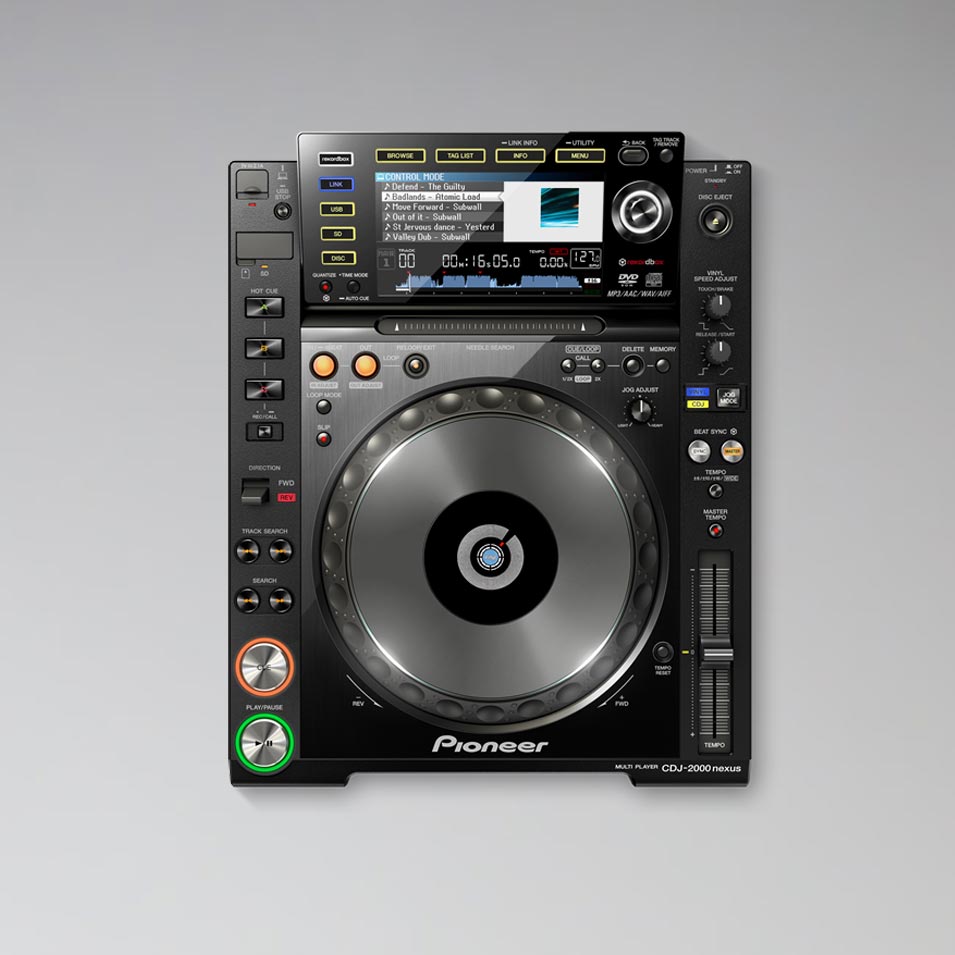


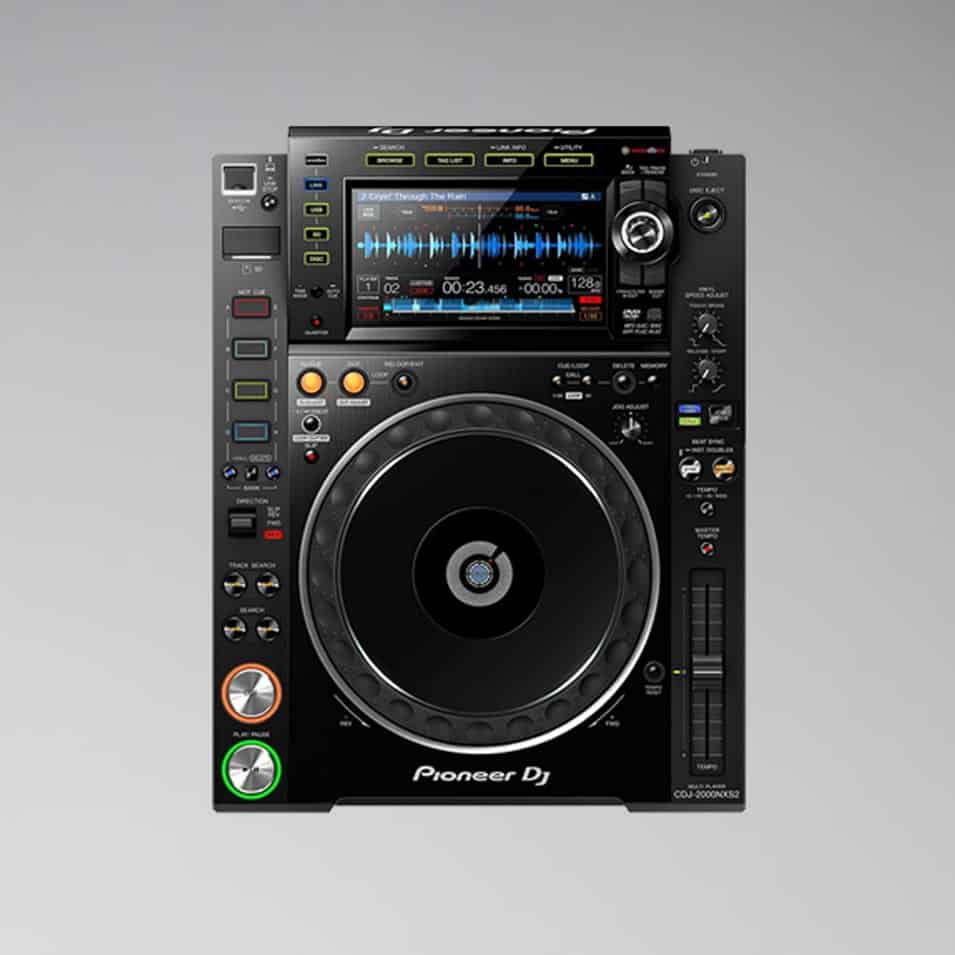
Pioneer CDJ 2000 NXS2
€60.00
- Proven club player from Pioneer DJ
- Full-color touchscreen, track filter
- 96 kHz/24-bit audio interface, 32-bit D/A converter
- Supports FLAC and ALAC
- Separate analog power supply for clean sound
- Delivered with power, RCA and link cables in a flight case
Weekend = 1 rental day.
We are closed on weekends.
Choose Friday to Monday – only one day is calculated.
Rental period
4 / 12 available

Rent the Pioneer CDJ-2000 NXS2 in Berlin
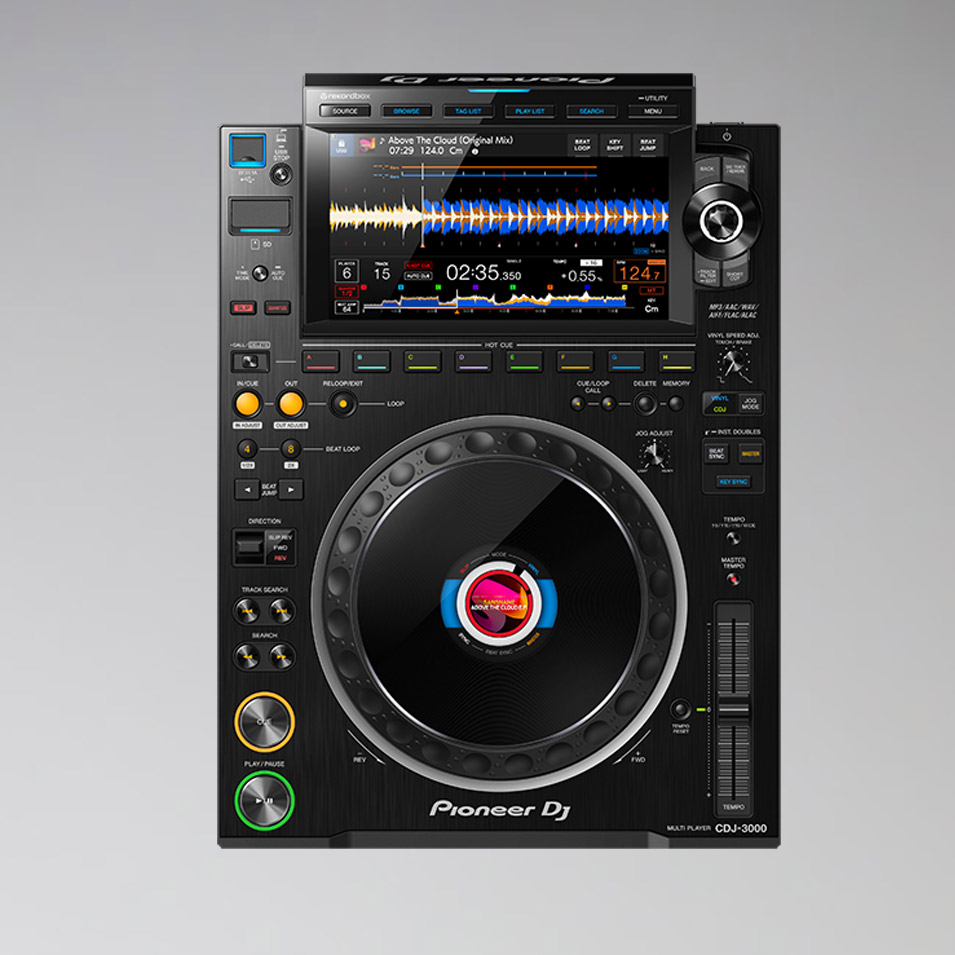
The Pioneer CDJ-2000 NXS2 was the standard for clubs worldwide for years and is still found in many DJ booths today. Almost every DJ can operate it blindfolded. At Akari in Berlin, you rent it with cables and a flight case – as a reliable and cheaper alternative to the CDJ-3000.
Features
- Full-color touchscreen with track filter
- 96 kHz/24-bit audio interface, 32-bit D/A converter
- FLAC and ALAC support
- Pro DJ Link for connecting multiple players
Who is it suitable for?
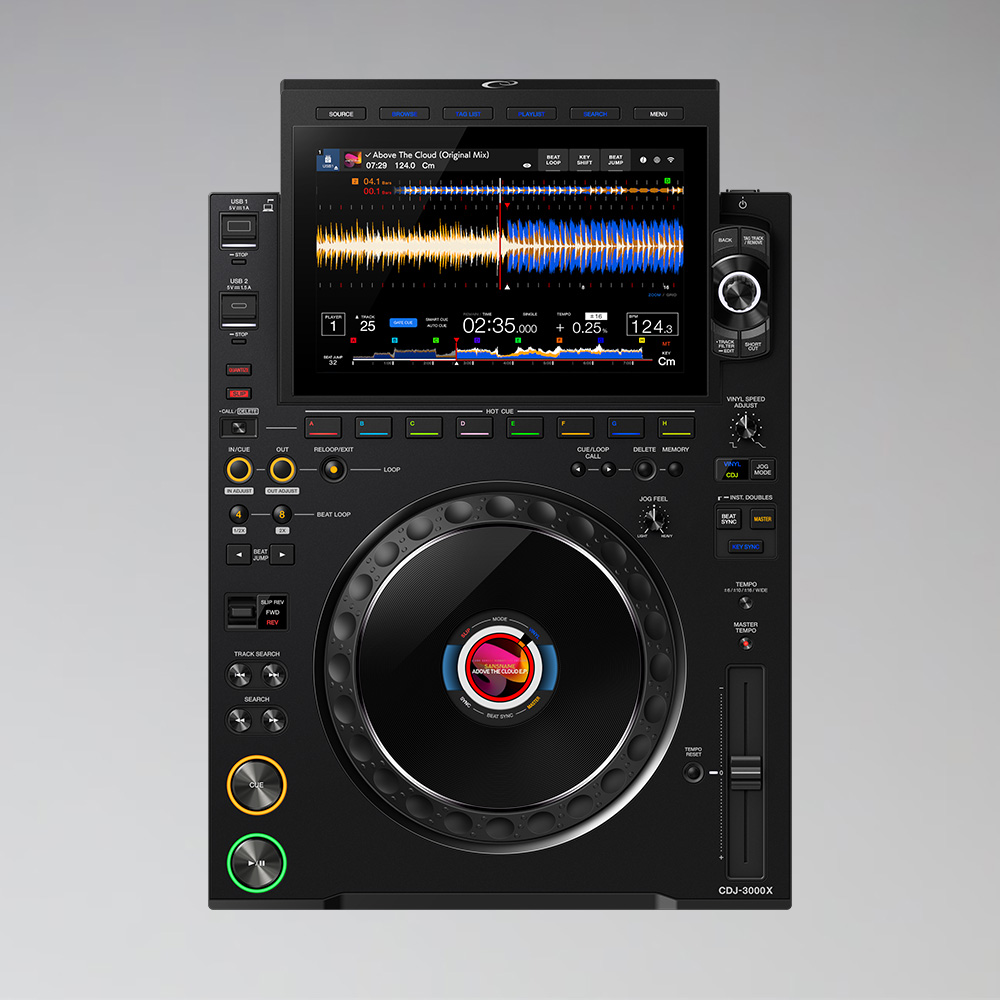
For parties, corporate events, weddings and club nights with experienced DJs. If you need the latest model, choose the CDJ-3000.
Frequently asked questions
Do I need a laptop?
No. The players play music directly from the USB stick, prepared with rekordbox.
Which mixer is right for you?
Classic choice: the DJM-900 NXS2. With the DJ Bundle with CDJ-2000 NXS2 you rent players and mixer at a lower price.
Goes well with
Often rented together: Pioneer DJM A9, Allen & Heath Xone:92 and CDJ Stand.
You can find more players under rent CDJs.
Self pick-up at the warehouse
The rented equipment can be picked up directly from our warehouse during opening hours. Simply request the equipment you need and select the “Self pick-up” option.
Pick-up address
Akari Audio
Bessemerstraße 80
12103 Berlin
Opening hours
Monday – Friday 10 am – 6 pm
Transport by Akari Audio
Akari Audio offers transport of the rented equipment for an additional fee. The costs depend on the distance and the size of the order and are calculated automatically when you send a request via our website.
Simply add the equipment you need to your request list and select the “Transport” option in your request – the transport costs will then be shown directly.