

the sssnake Cat Snake 3MC
€3.00 net / event day
- 4 channels over a single network cable
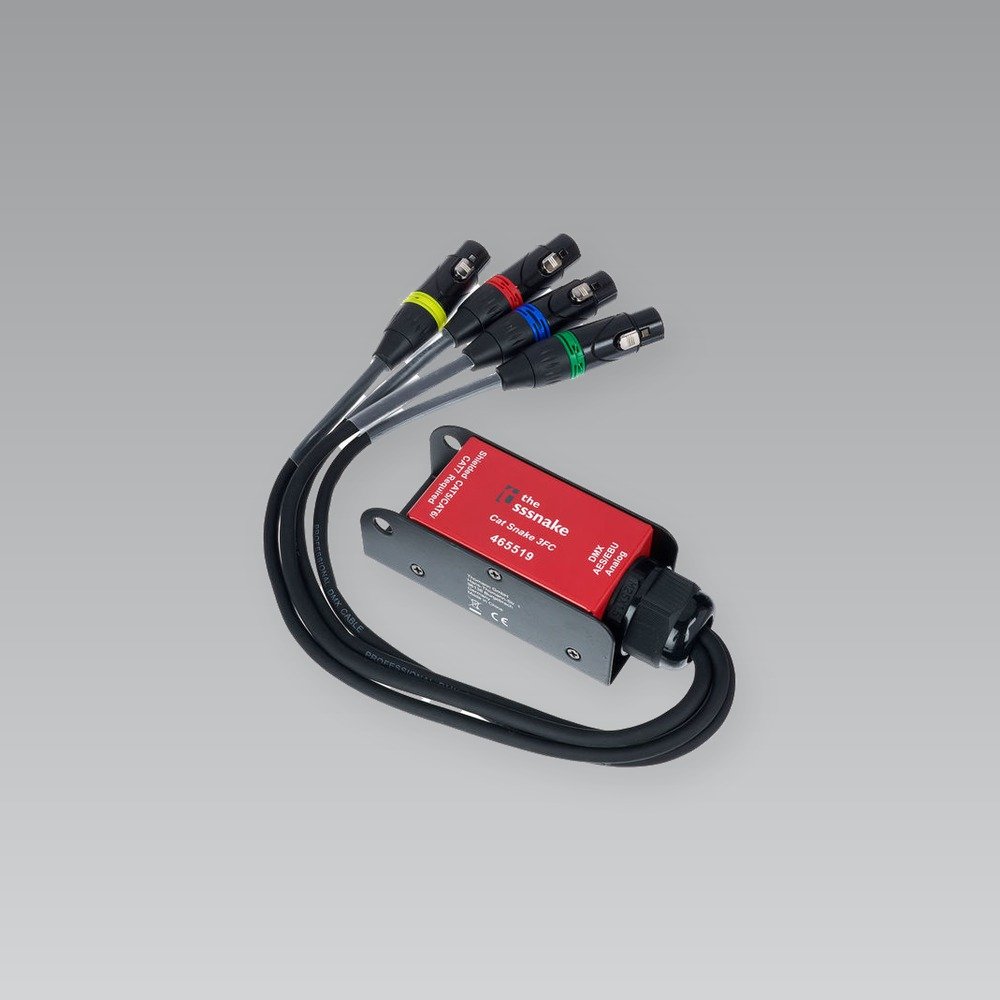
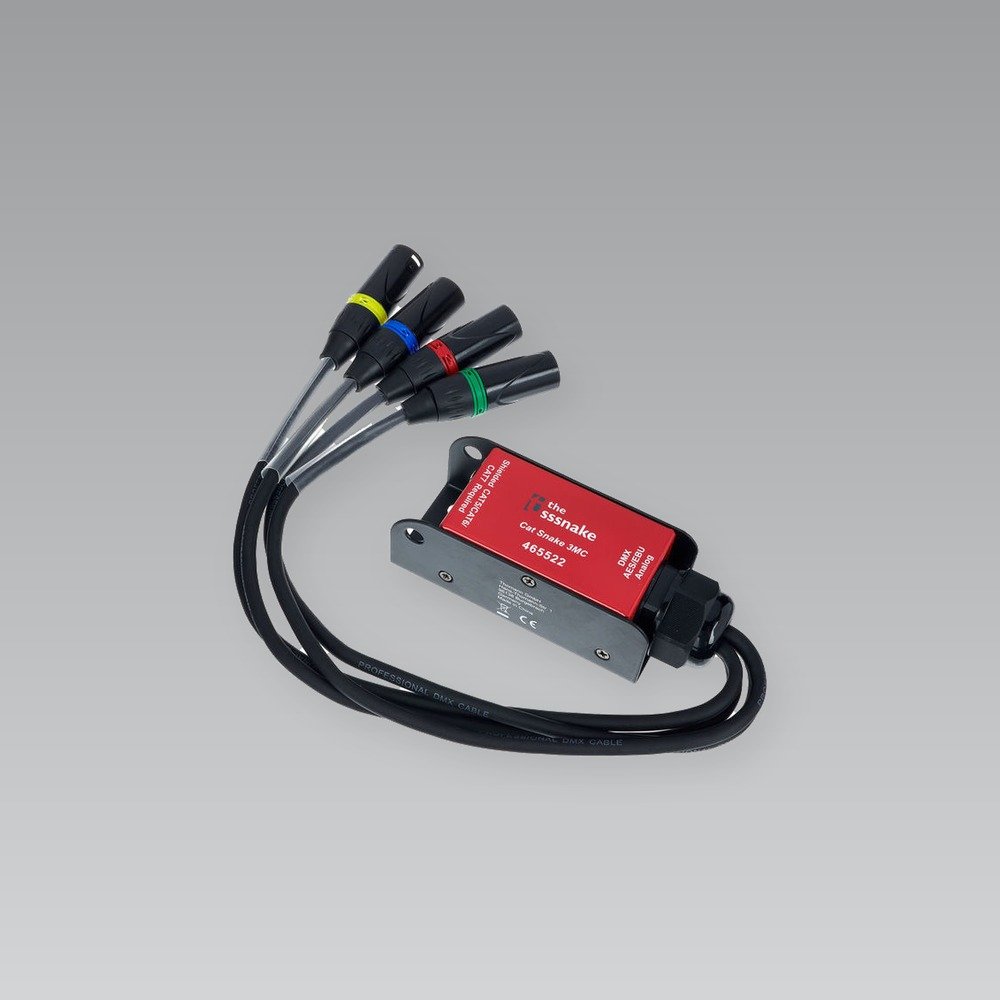
- RJ45 socket to 4 × XLR 3-pin male
- For analogue audio, DMX and AES/EBU
- Fan-out: 50 cm, colour-coded (red, green, blue, yellow)
- Robust steel housing with mounting brackets
- Dimensions: 48 × 110 × 40 mm, weight: 400 g
Always in pairs. On the other end of the network line you need the counterpart, the the sssnake Cat Snake 3FC. In between goes a shielded network cable (at least Cat5e, preferably Cat6 or Cat7).
Choose your dates – you see live from our warehouse whether the item is free. That way you only request what is actually available.
Weekend = 1 rental day.
We are closed on weekends.
Choose Friday to Monday – only one day is calculated.
Rental period
2 / 2 available
the sssnake Cat Snake 3MC rental – 4 XLR channels over one network cable
With the the sssnake Cat Snake 3MC you send four XLR signals over a single network cable. Instead of laying four individual XLR cables or a heavy multicore, one thin, light Cat cable is enough. The 3MC has an RJ45 socket and four XLR male connectors on a 50 cm fan-out. It sits on the side where the signals come out again – the XLR plugs go directly into the mixing console, speakers or lights.
How the Cat Snake works
A network cable has four twisted wire pairs. The Cat Snake puts one balanced XLR channel on each pair, and the cable shield carries the ground. On one side you plug the signals into the Cat Snake 3FC (XLR female), on the other side they come out again at the Cat Snake 3MC (XLR male). In between is a shielded network cable with RJ45 plugs, at least Cat5e, preferably Cat6 or Cat7.
The channels are colour-coded: channel 1 red, channel 2 green, channel 3 blue, channel 4 yellow. This way you plug in correctly on both sides without searching. You can insert your own labels under the transparent heat-shrink tubing.
What you can transmit
- Analogue audio signals: line level, for example from the stage to the mixing console or from the console to active speakers
- DMX: up to four DMX universes for lighting control
- AES/EBU: digital audio signals
Technical data
- Version: RJ45 socket to 4 × XLR 3-pin male
- Fan-out: 50 cm, channels colour-coded
- Pin assignment: channel 1 on pins 1/2, channel 2 on pins 3/6, channel 3 on pins 4/5, channel 4 on pins 7/8 of the RJ45
- Housing: steel, with brackets for screw mounting
- Dimensions: 48 × 110 × 40 mm
- Weight: 400 g
- Required: shielded network cable (Cat5e, Cat6 or Cat7)
Applications
- Signals over long distances at festivals and open airs, e.g. from the stage to the FOH position
- Connecting speakers in a second room or outdoor area
- Bringing DMX to distant lights
- Using existing network cabling in venues for audio
Frequently asked questions
Do I need both parts?
Yes. The 3MC is the receiving side with XLR plugs. The counterpart is the the sssnake Cat Snake 3FC.
Which network cable do I need?
A shielded cable with RJ45 plugs, at least Cat5e. Unshielded cables do not work reliably because the ground runs through the shield.
Can I connect microphones?
We recommend the Cat Snake for line signals, DMX and AES/EBU. For microphones over long distances, it’s best to talk to us beforehand.
Goes well with
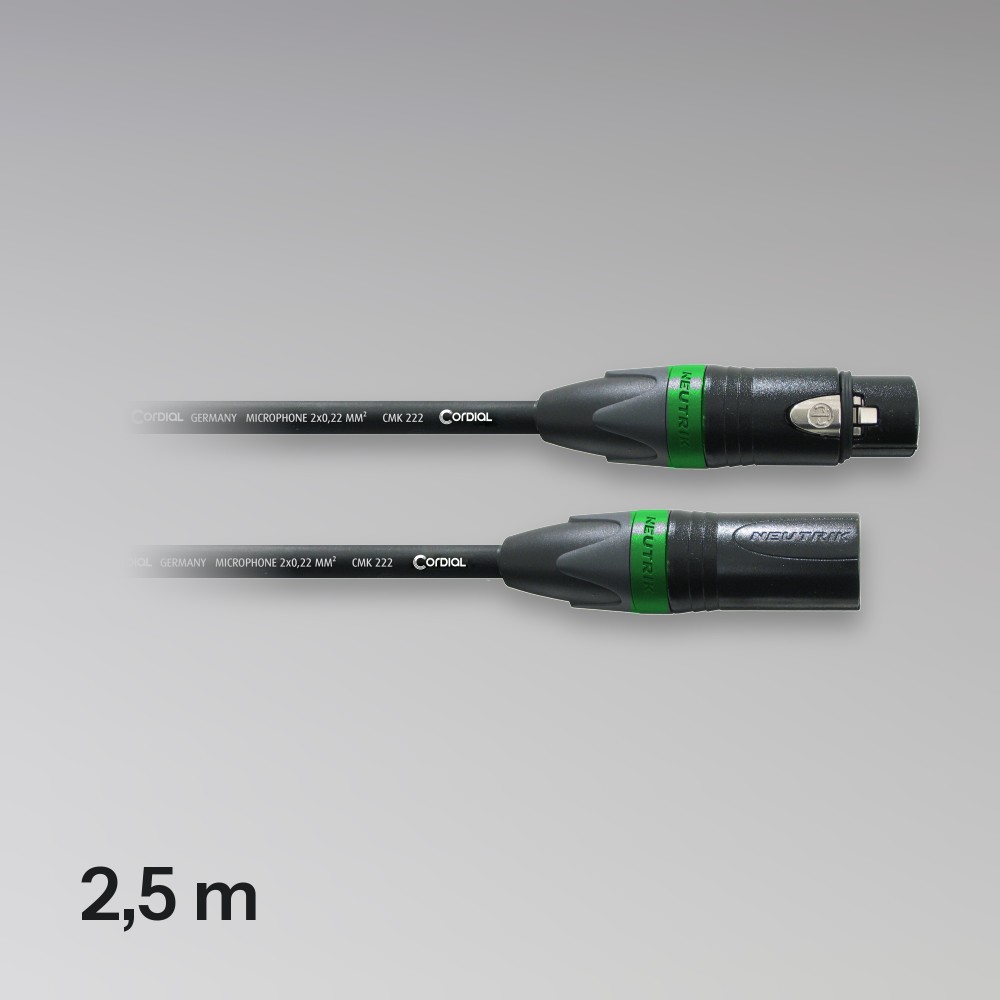
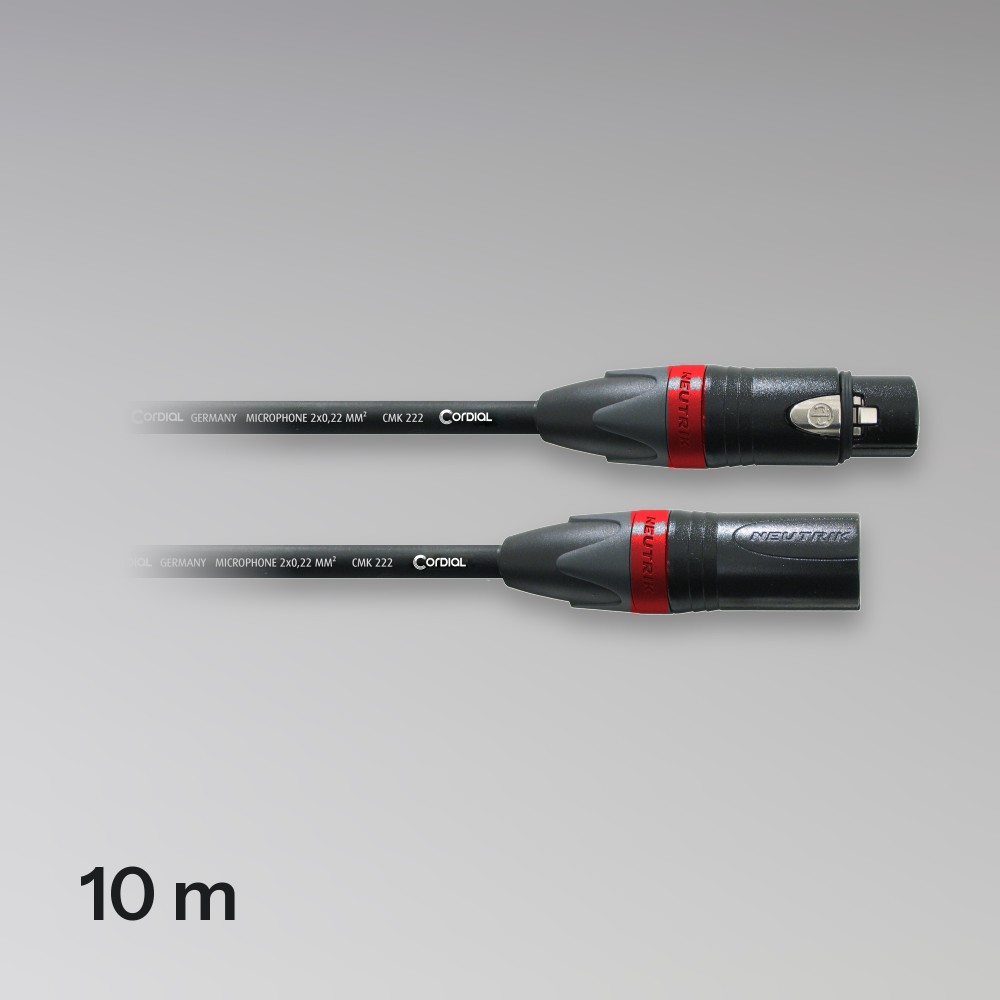
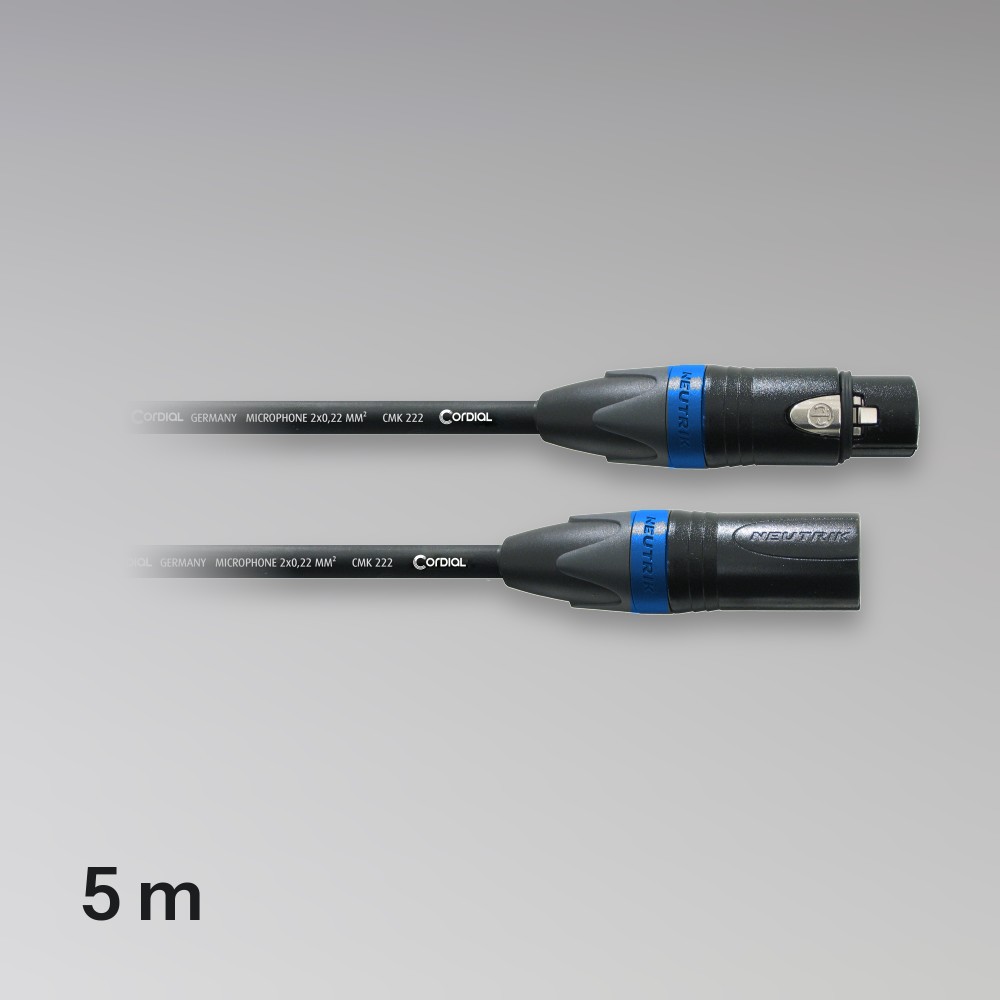
Often rented together: the sssnake Cat Snake 3FC, Cordial XLR Cable 5 m and Cordial XLR Cable 10 m.
More cables and adapters can be found under Audio cables & adapters rental.
Self pick-up at the warehouse
The rented equipment can be picked up directly from our warehouse during opening hours. Simply request the equipment you need and select the “Self pick-up” option.
Pick-up address
Akari
Bessemerstraße 80
12103 Berlin
Opening hours
Mon, Thu, Fri 10 am – 6 pm · Tue, Wed 10 am – 4 pm
Transport by Akari
Akari offers transport of the rented equipment for an additional fee. The costs depend on the distance and the size of the order and are calculated automatically when you send a request via our website.
Simply add the equipment you need to your request list and select the “Transport” option in your request – the transport costs will then be shown directly.