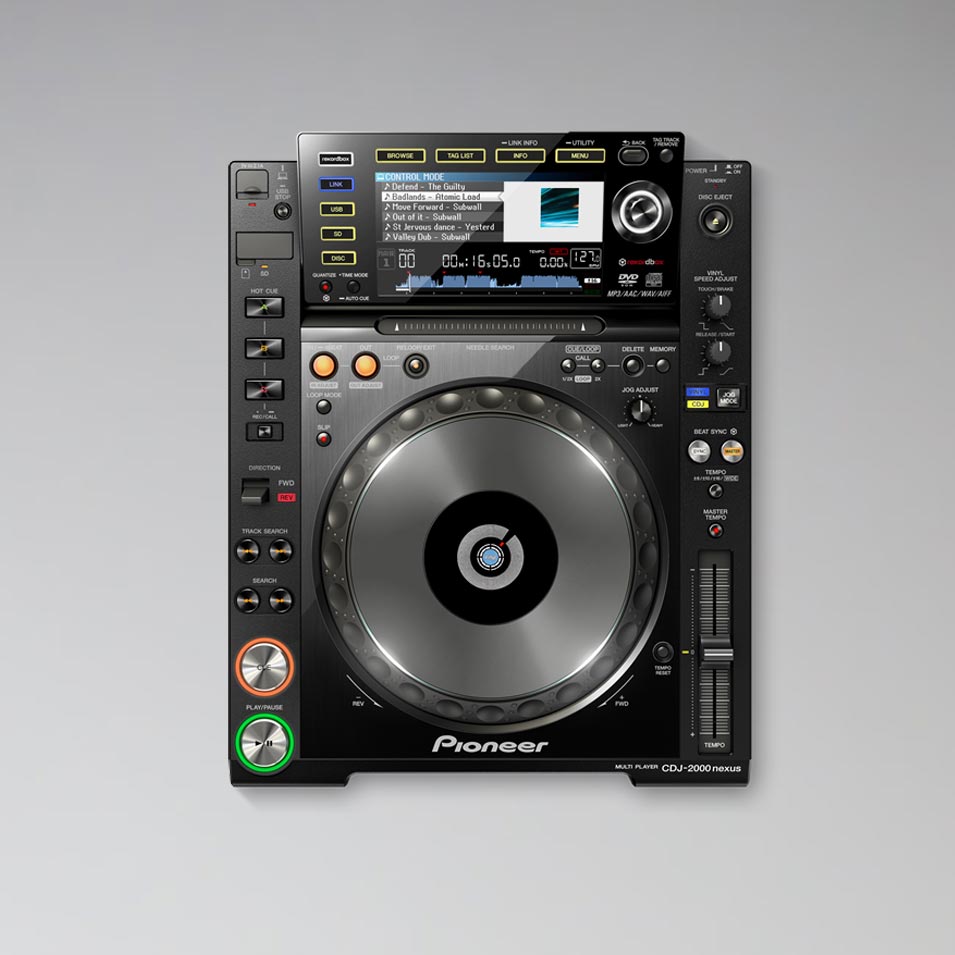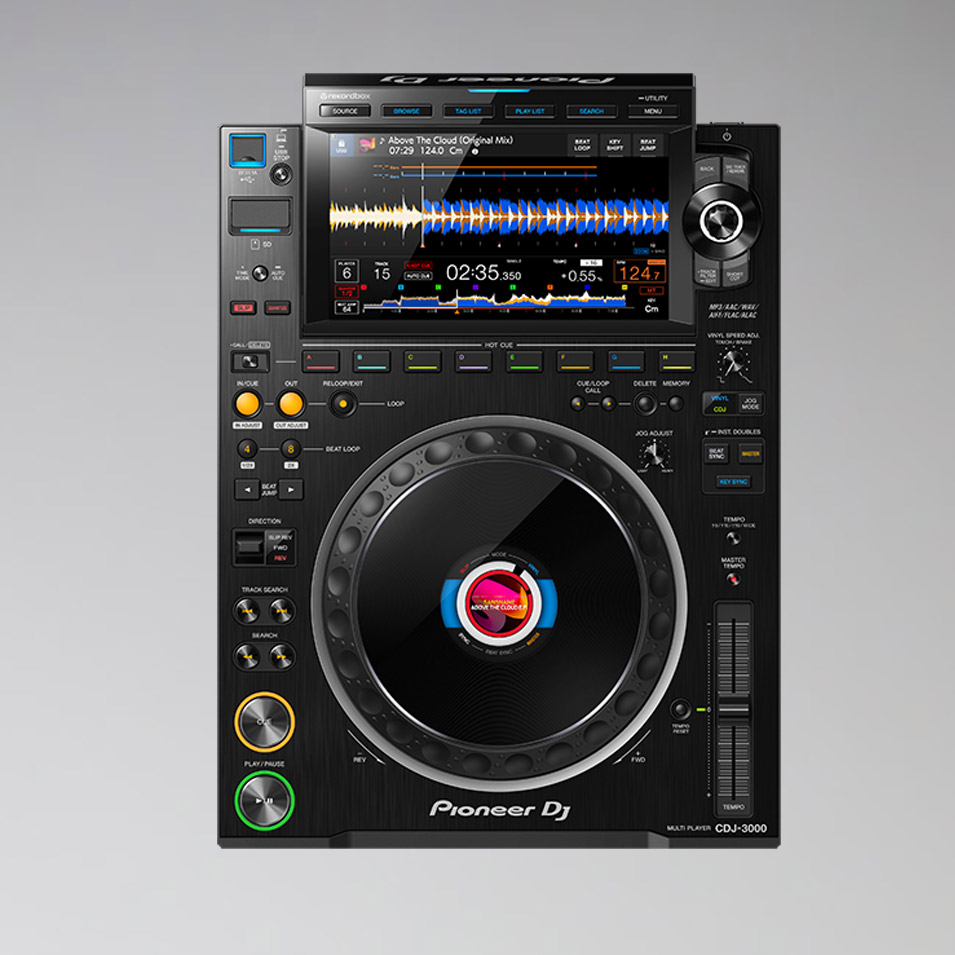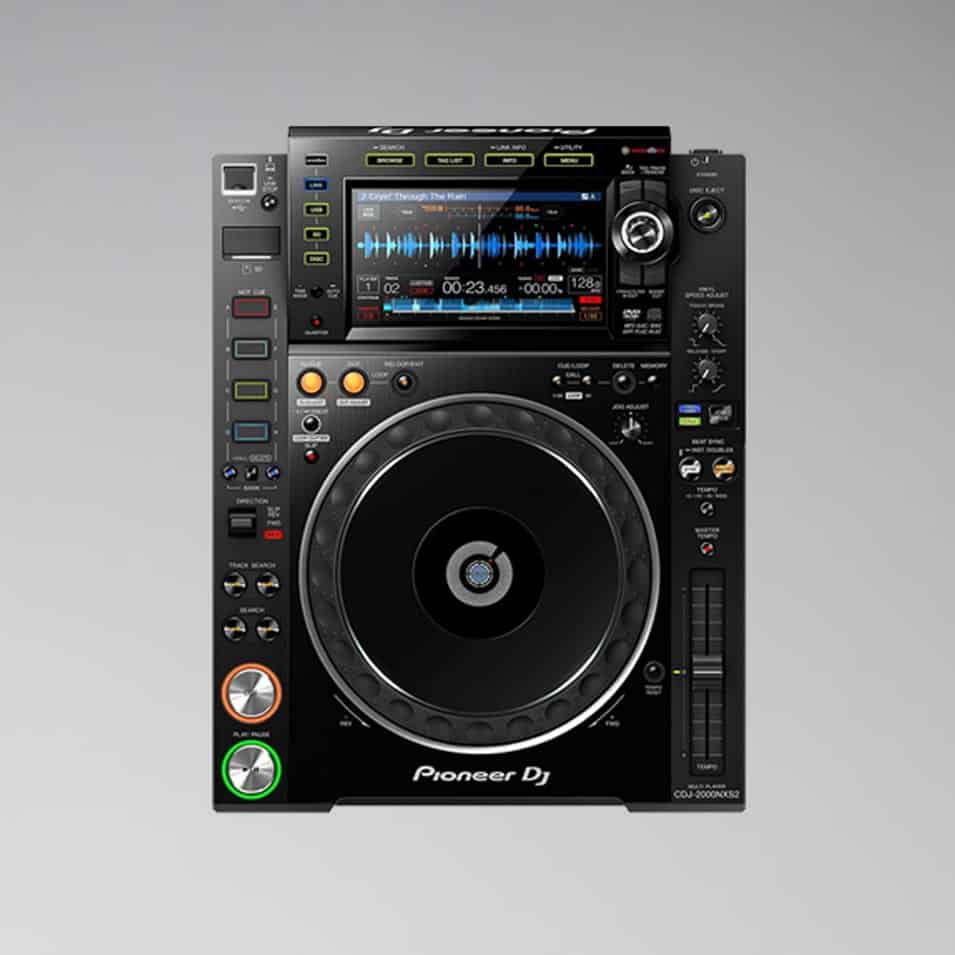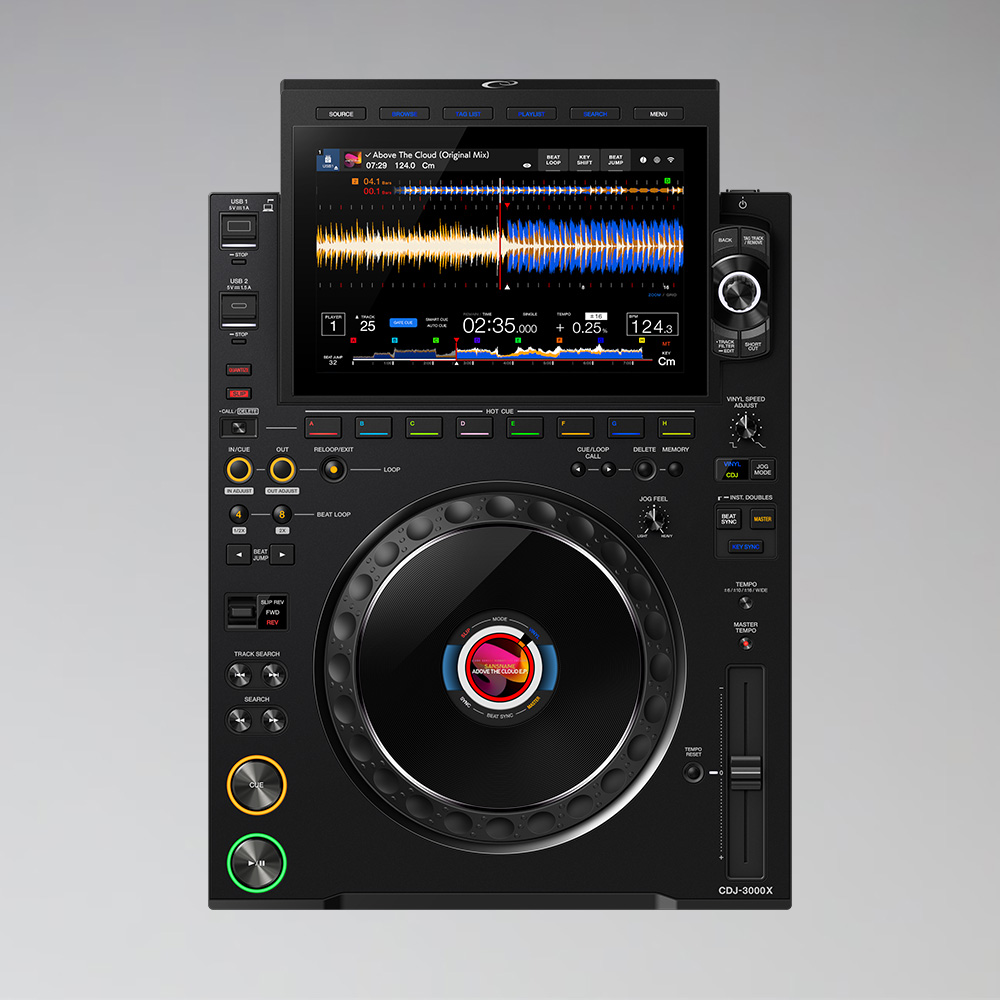



Pioneer XDJ 1000 MK1
€40.00
- Compact DJ player for USB sticks
- Touchscreen with QWERTY search
- Beat Sync, Loop Move and Beat Jump
- rekordbox-ready, MIDI-compatible, Serato (HID)
- Formats: MP3, AAC, WAV, AIFF
- Supplied with power and RCA cables in a flight case
Weekend = 1 rental day.
We are closed on weekends.
Choose Friday to Monday – only one day is calculated.
Rental period
2 / 2 available

Renting the Pioneer XDJ-1000 in Berlin
The Pioneer XDJ-1000 is a USB-only player without a CD drive. It is lighter and more compact than a CDJ but still offers a touchscreen, beat sync and rekordbox compatibility. At Akari in Berlin, you can rent it as an affordable alternative to the club models.
Features
- Touchscreen with QWERTY keyboard for quick title search
- Beat Sync, Loop Move and Beat Jump
- rekordbox-ready, MIDI and Serato compatible (HID)
- Formats: MP3, AAC, WAV, AIFF
Who is it suitable for?
For mobile DJs, small parties, bars and anyone looking for a lightweight setup with familiar Pioneer controls.
Frequently asked questions
Do I need a laptop?
No. The players play music directly from the USB stick, prepared with rekordbox.
Can I play CDs with it?
No, the XDJ-1000 does not have a CD drive. The music comes from the USB stick.
Goes well with
Often rented together: Pioneer DJM 750 MK2, Allen&Heath Xone:23 and CDJ Stand.
You can find more players under rent CDJs, mixers under Rent a DJ mixer.
Self pick-up at the warehouse
The rented equipment can be picked up directly from our warehouse during opening hours. Simply request the equipment you need and select the “Self pick-up” option.
Pick-up address
Akari Audio
Bessemerstraße 80
12103 Berlin
Opening hours
Monday – Friday 10 am – 6 pm
Transport by Akari Audio
Akari Audio offers transport of the rented equipment for an additional fee. The costs depend on the distance and the size of the order and are calculated automatically when you send a request via our website.
Simply add the equipment you need to your request list and select the “Transport” option in your request – the transport costs will then be shown directly.