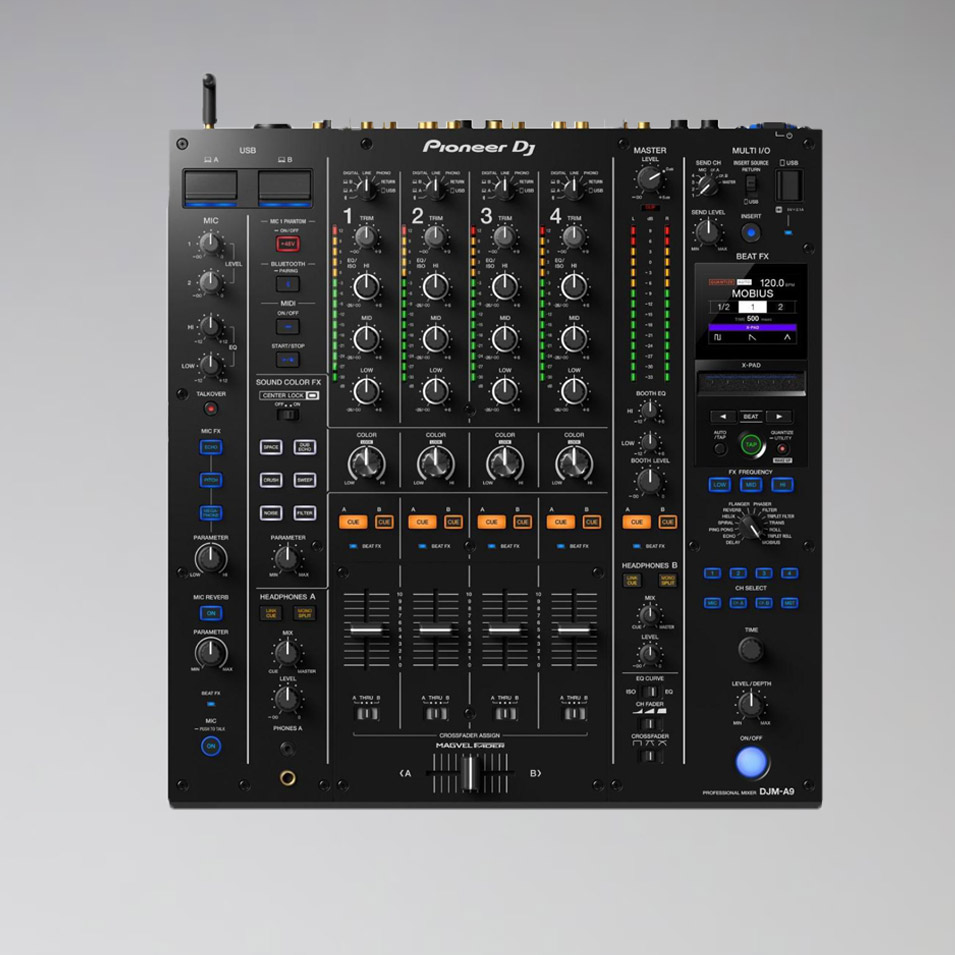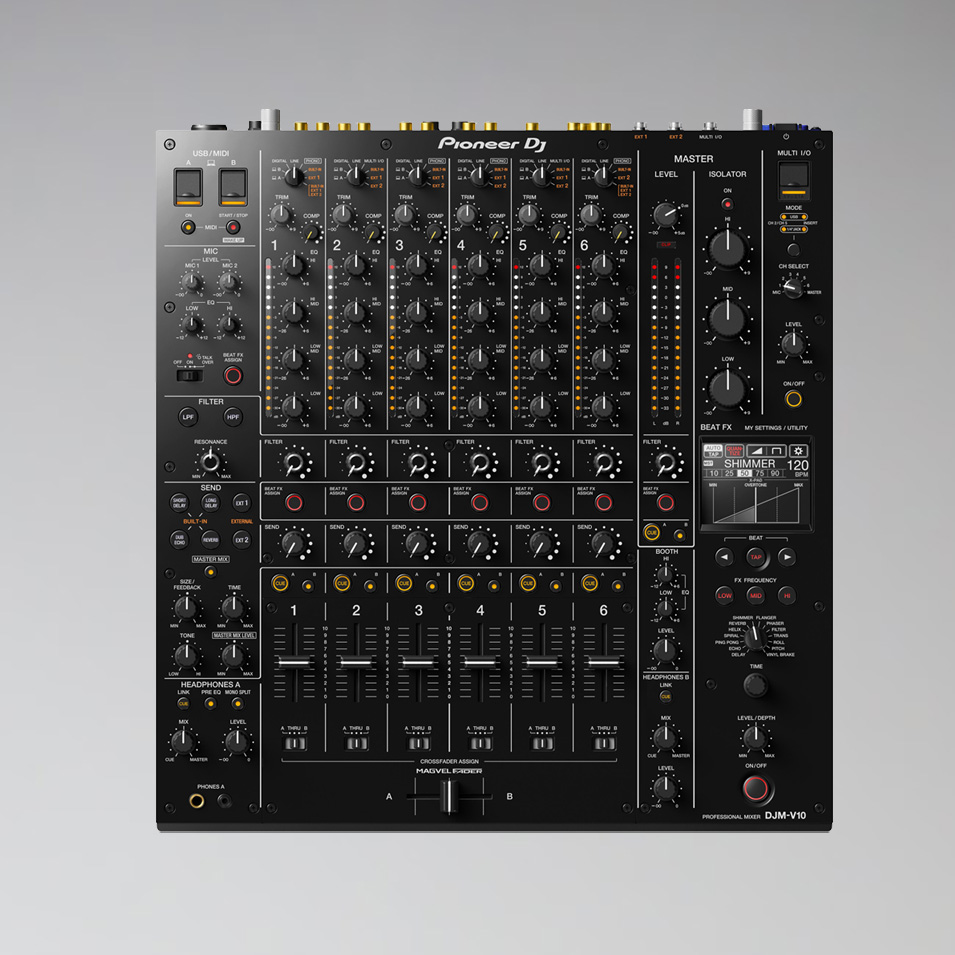



Pioneer DJM 900 Nexus
€45.00 net / event day
- 4 audio channels, 2 mic channels
- Sound Color FX and Beat FX
- X-Pad for effect timing, quantize with rekordbox beatgrid
- Twin LFO for filter, phaser and flanger
- Send/return via 6.3 mm jack
- Frequency response 20 Hz – 20 kHz
- Supplied with power cable in a flight case
Weekend = 1 rental day.
We are closed on weekends.
Choose Friday to Monday – only one day is calculated.
Rental period
1 / 1 available

Rent the Pioneer DJM-900 Nexus
The Pioneer DJM-900 Nexus was in use in clubs worldwide for years. With four channels, Sound Color FX, Beat FX and X-Pad, it offers everything for professional sets – at an affordable rental price. At Akari in Berlin, you rent it in a flight case.
Features
- 4 audio channels, 2 mic channels
- Sound Color FX and Beat FX
- X-Pad for effect timing, quantize with rekordbox beatgrid
- Twin LFO for filter, phaser and flanger
- Send/return via 6.3 mm jack
- Frequency response 20 Hz – 20 kHz
Who is it suitable for?
For parties, club nights and weddings with DJs who appreciate the classic Pioneer layout.
Frequently asked questions
Is there a set with matching players?
Yes, in the DJ Bundle with 2 × CDJ-2000 Nexus.
Goes well with
Often rented together: Pioneer CDJ 2000 Nexus, Pioneer CDJ 2000 NXS2 and TP-Link 5-Port Network Switch.
You can find the successor as DJM-900 NXS2. You can find more mixers under Rent a DJ mixer.
Self pick-up at the warehouse
The rented equipment can be picked up directly from our warehouse during opening hours. Simply request the equipment you need and select the “Self pick-up” option.
Pick-up address
Akari Audio
Bessemerstraße 80
12103 Berlin
Opening hours
Mon, Thu, Fri 10 am – 6 pm · Tue, Wed 10 am – 4 pm
Transport by Akari Audio
Akari Audio offers transport of the rented equipment for an additional fee. The costs depend on the distance and the size of the order and are calculated automatically when you send a request via our website.
Simply add the equipment you need to your request list and select the “Transport” option in your request – the transport costs will then be shown directly.