


Shure PSM 300 stereo wireless transmitter P3T – H20
€50.00 net / event day
- Only usable together with the P3RA receiver
- Stereo wireless transmitter for in-ear monitoring
- Frequency band H20
- Transmits two audio signals simultaneously
- Range up to approx. 90 m
Choose your dates – you see live from our warehouse whether the item is free. That way you only request what is actually available.
Weekend = 1 rental day.
We are closed on weekends.
Choose Friday to Monday – only one day is calculated.
Rental period
1 / 1 available

Rent the Shure PSM 300 transmitter
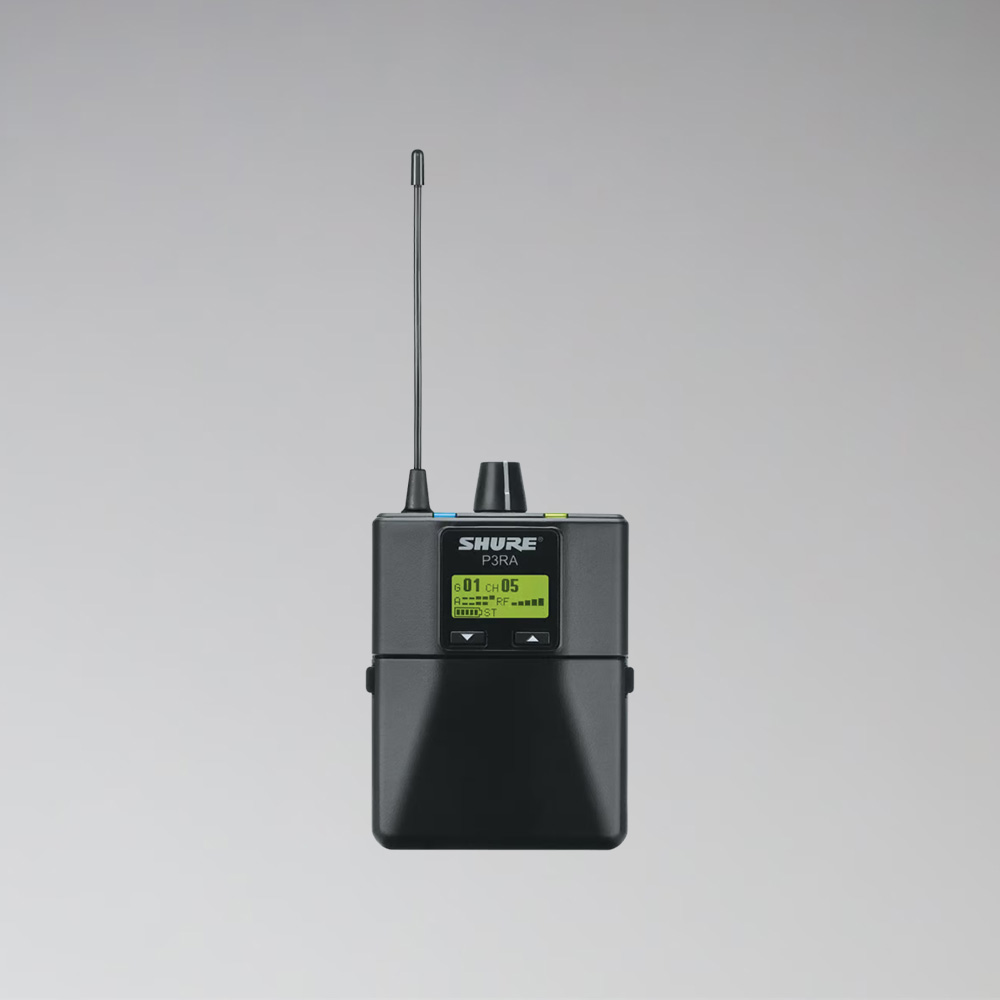
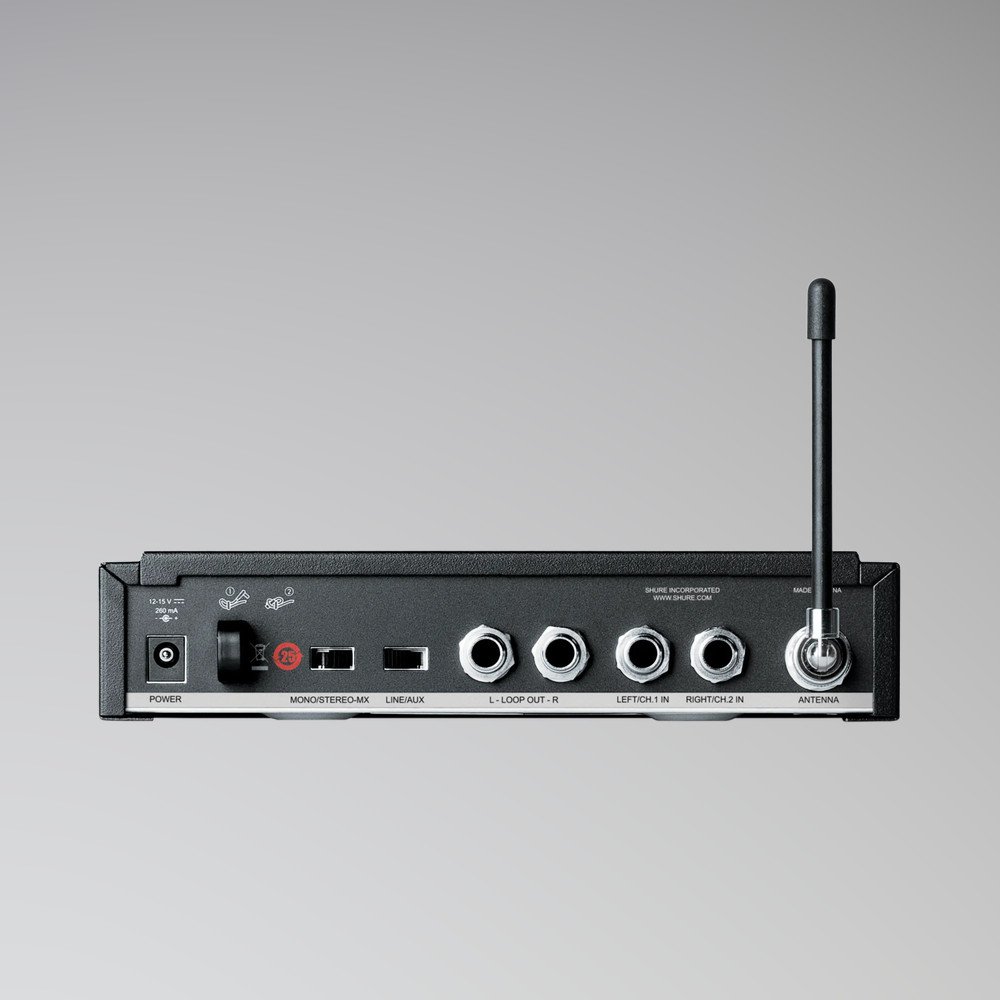
The Shure P3T is the stereo transmitter of the in-ear system PSM 300. It transmits two signals – as a stereo mix or as two mono mixes – reliably over up to 90 m. Important: You need at least one Shure P3RA bodypack receiver.
Technical data
- Frequency band H20
- Stereo or 2× Mono (MixMode)
- Range up to approx. 90 m
Applications
Bands, solo artists, DJs with live vocals, churches and presenters – a solid entry-level and mid-range system.
Technical data from the manufacturer
All details and data sheets directly from the manufacturer: Shure PSM 300 P3T
Frequently asked questions
What’s the difference from the PSM 1000?
The PSM 300 is more compact and cheaper; the PSM 1000 offers diversity reception and more headroom for large stages.
Goes well with
Often rented together: Shure PSM 1000 | P10TE Transmitter | Band J8E and MIDAS M32R Live.
You can find all in-ear systems under Rent in-ear monitoring.
Self pick-up at the warehouse
The rented equipment can be picked up directly from our warehouse during opening hours. Simply request the equipment you need and select the “Self pick-up” option.
Pick-up address
Akari
Bessemerstraße 80
12103 Berlin
Opening hours
Mon, Thu, Fri 10 am – 6 pm · Tue, Wed 10 am – 4 pm
Transport by Akari
Akari offers transport of the rented equipment for an additional fee. The costs depend on the distance and the size of the order and are calculated automatically when you send a request via our website.
Simply add the equipment you need to your request list and select the “Transport” option in your request – the transport costs will then be shown directly.