

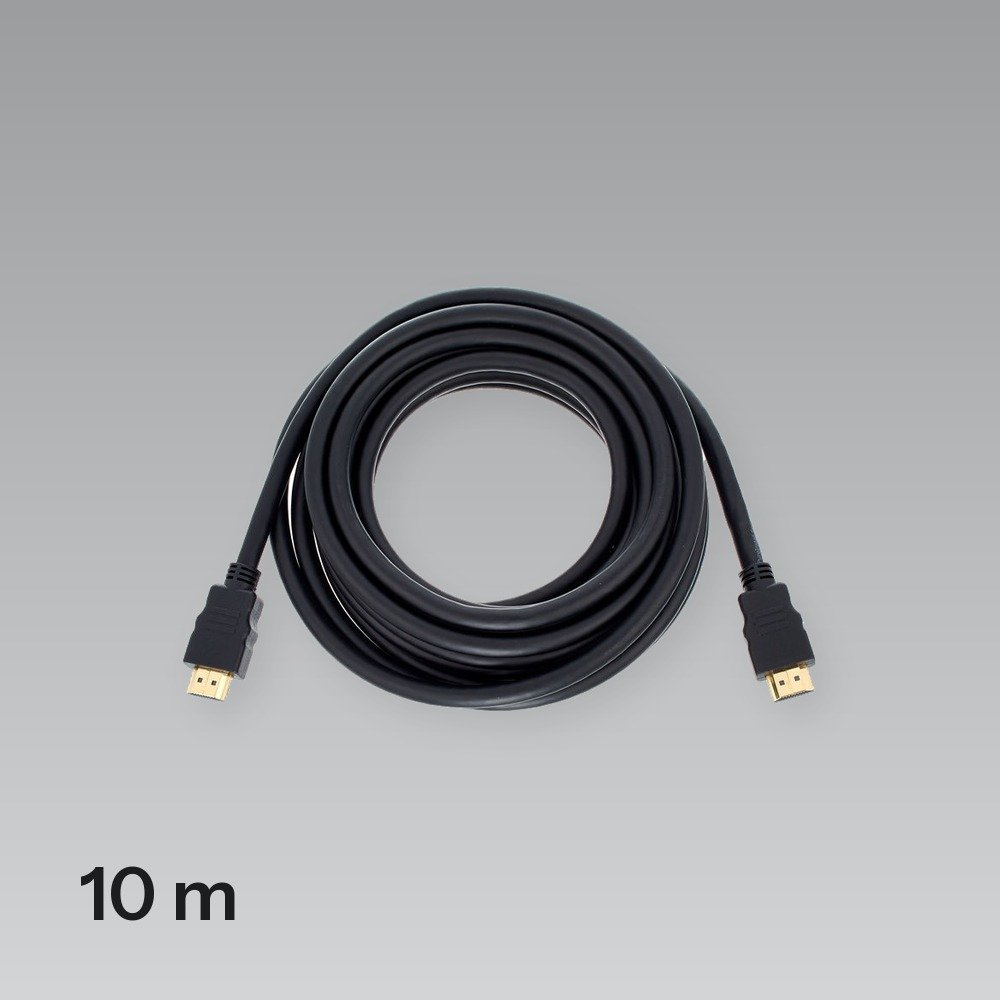
HDMI Cable 10 m
€3.00 net / event day
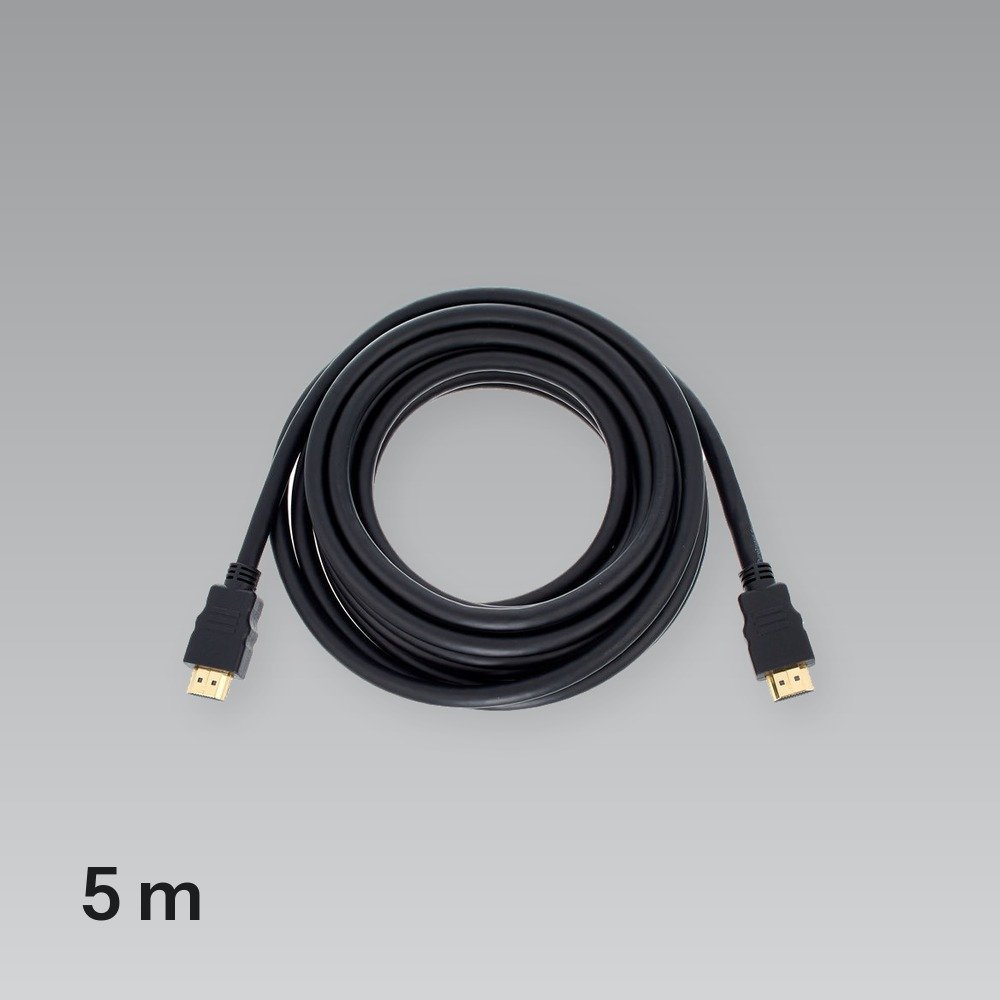
- Length: 10 m
- HDMI type A plug to HDMI type A plug
- Gold-plated contacts, rugged black jacket
- For Full HD and 4K – e.g. laptop to projector or screen
Choose your dates – you see live from our warehouse whether the item is free. That way you only request what is actually available.
Weekend = 1 rental day.
We are closed on weekends.
Choose Friday to Monday – only one day is calculated.
Rental period
0 / 0 available
Rent HDMI Cable 10 m
The HDMI Cable 10 m connects a laptop, camera, media player or video mixer to a projector, screen or LED wall. Picture and sound run over a single cable – digital and without loss of quality.
At 10 m it bridges longer distances, e.g. from the tech desk to a screen at the edge of the stage or to a projector in the middle of the room.
Technical data
- Length: 10 m
- Connectors: 2 × HDMI type A (male)
- Carries video and audio digitally
- For Full HD and 4K signals (depending on source and device)
- Gold-plated contacts, flexible PVC jacket
Tips for use
- Do not kink the cable and secure it on walkways with a cable protector or gaffer tape.
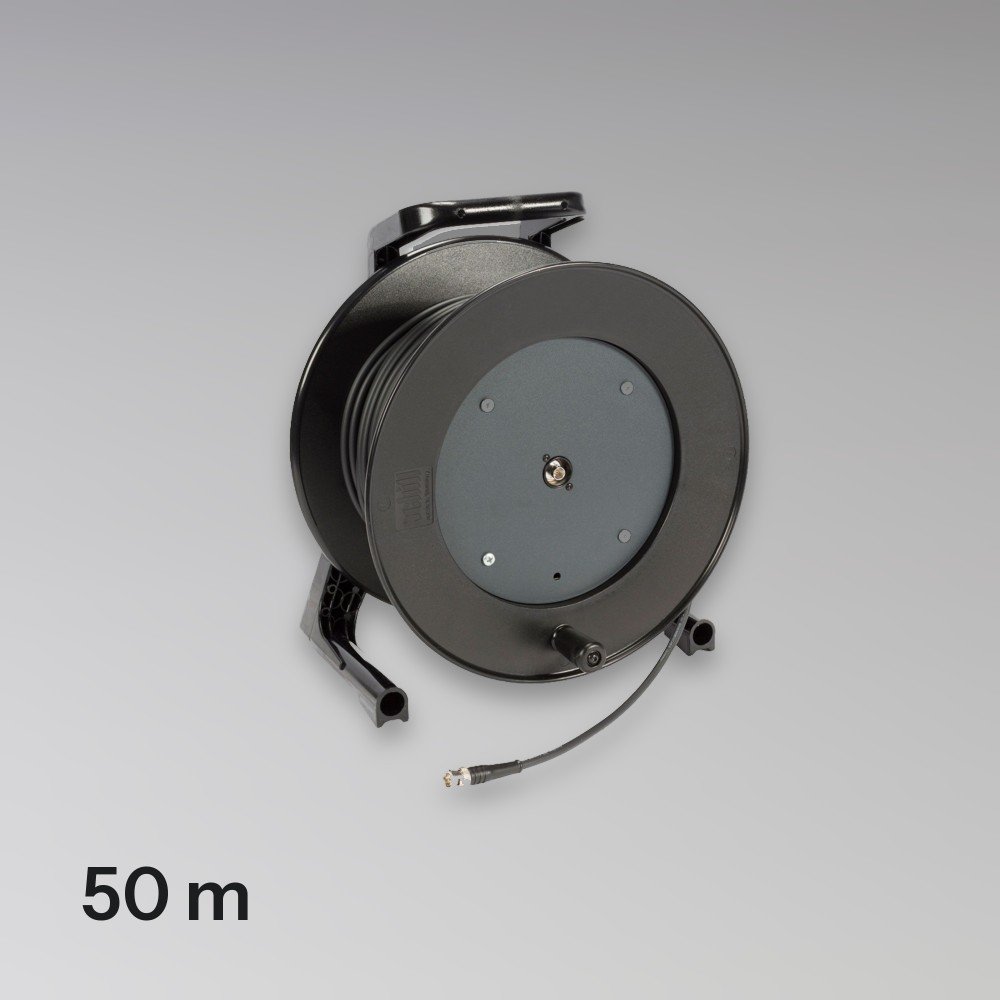
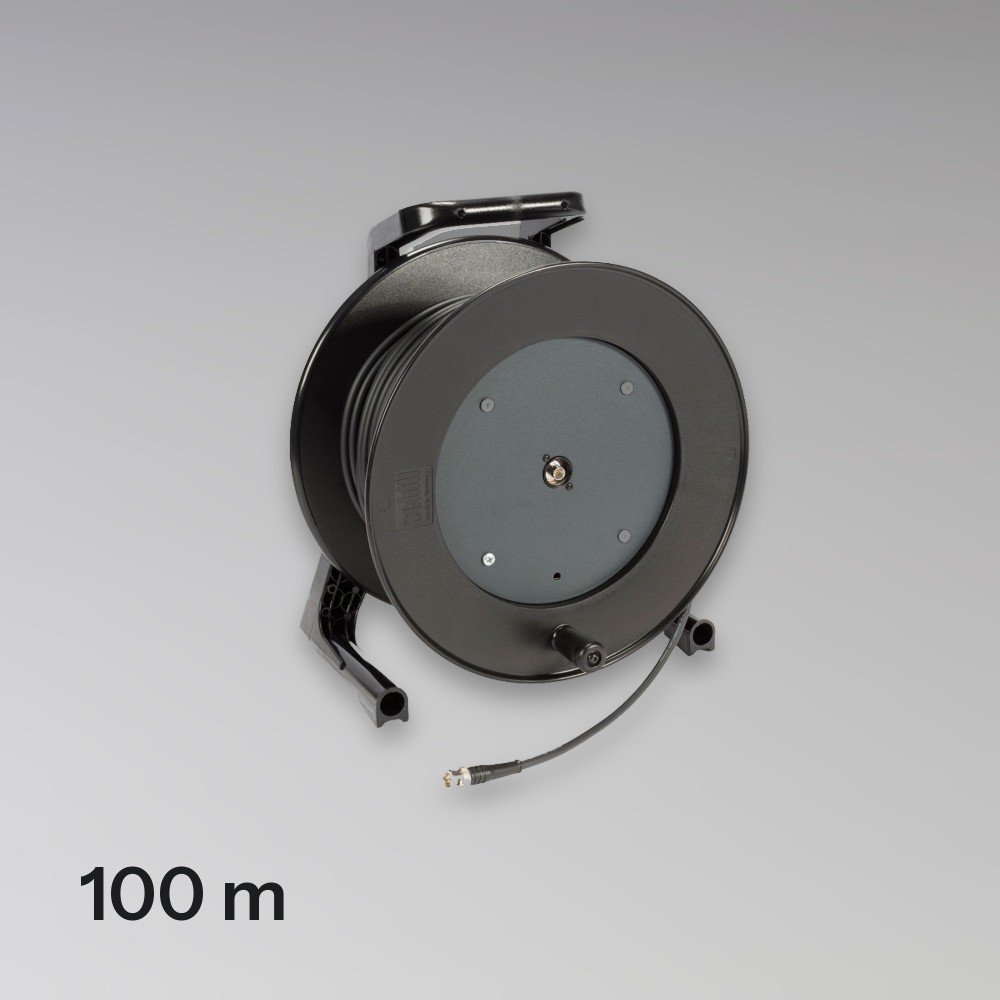
- For runs over 10 m or long distances to the control desk, use SDI instead: our HD-SDI cable drums with 50 m and 100 m and the Blackmagic Micro Converter SDI/HDMI make it possible.
- For several screens showing the same picture, there is the HDMI splitter 1 to 4.
Pick-up at our warehouse in Berlin-Tempelhof or delivery to your event. Matching screens, projectors and more accessories can be found in the video equipment category.
Self pick-up at the warehouse
The rented equipment can be picked up directly from our warehouse during opening hours. Simply request the equipment you need and select the “Self pick-up” option.
Pick-up address
Akari
Bessemerstraße 80
12103 Berlin
Opening hours
Mon, Thu, Fri 10 am – 6 pm · Tue, Wed 10 am – 4 pm
Transport by Akari
Akari offers transport of the rented equipment for an additional fee. The costs depend on the distance and the size of the order and are calculated automatically when you send a request via our website.
Simply add the equipment you need to your request list and select the “Transport” option in your request – the transport costs will then be shown directly.