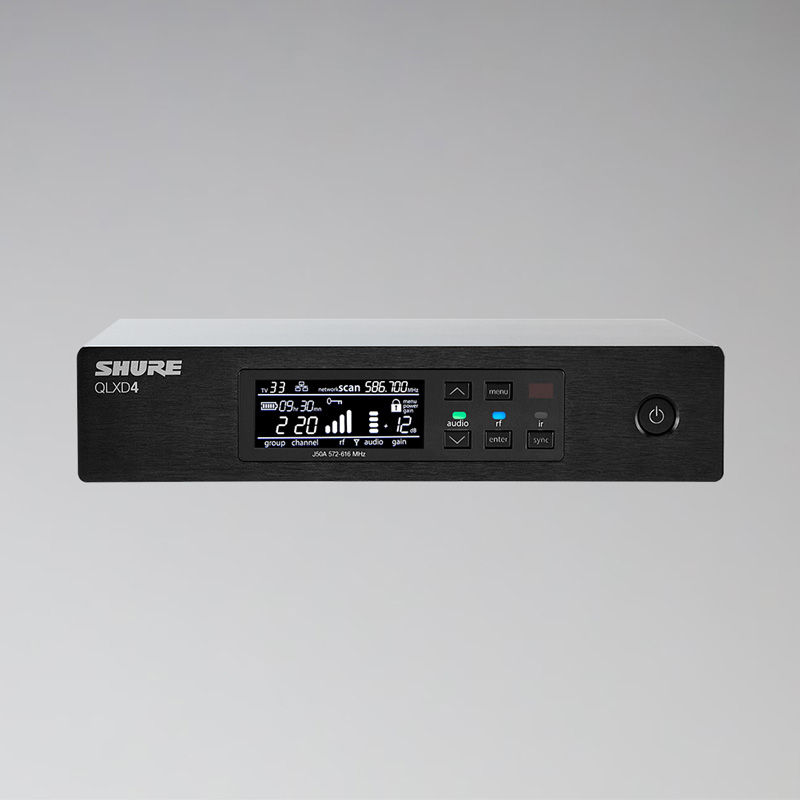


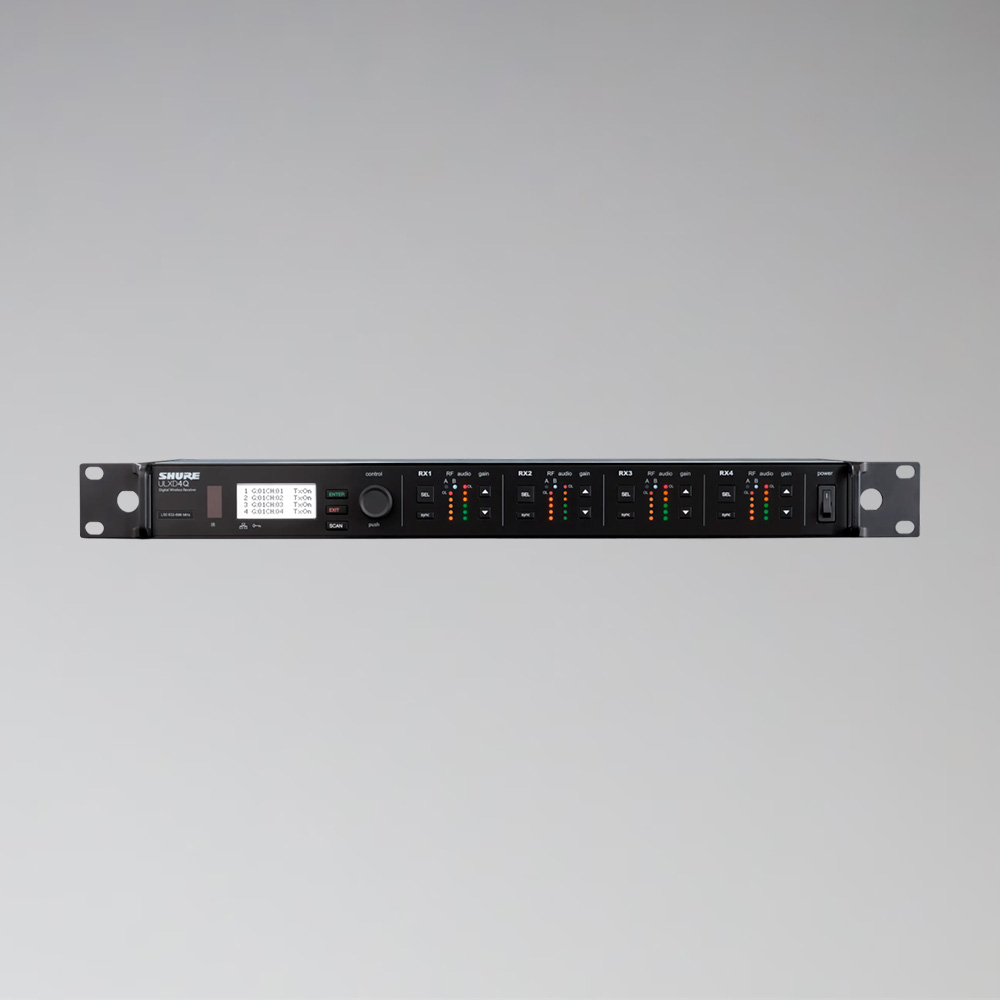
Shure Axient AD4Q Quad Receiver
€150.00
- 4-channel receiver of the Shure Axient Digital series
- Dante and Ethernet interfaces
- Automatic frequency management
- HD mode for top audio quality
- For AD2 handheld transmitters and AD1 bodypack transmitters
Weekend = 1 rental day.
We are closed on weekends.
Choose Friday to Monday – only one day is calculated.
Rental period
2 / 2 available
Rent the Shure Axient AD4Q
The Shure Axient Digital AD4Q receives four wireless microphones in one unit. Axient Digital is Shure’s top series for tours, TV and large events – with very stable transmission and Dante output straight into the network.
Technical data
- 4 reception channels
- Dante and Ethernet
- Automatic frequency management
- HD mode
- Robust rack housing
Areas of application
Concerts, galas, TV productions, conferences and musicals with many wireless systems.
Frequently asked questions
Which transmitters are compatible?
The Shure AD2 handheld transmitter and the Shure AD1 bodypack transmitter.
Do you take care of the frequencies?
Yes, we’re happy to coordinate the frequencies with you.
Goes well with
Often rented together: Shure Axient AD2 Handheld Transmitter, Shure Axient AD1 Bodypack Transmitter and DPA 4088 Headset Microphone (Cardioid).
You’ll find all models in the category Rent receivers.
More models are under Rent conference equipment, all microphones and wireless systems under Rent conference equipment.
Self pick-up at the warehouse
The rented equipment can be picked up directly from our warehouse during opening hours. Simply request the equipment you need and select the “Self pick-up” option.
Pick-up address
Akari Audio
Bessemerstraße 80
12103 Berlin
Opening hours
Monday – Friday 10 am – 6 pm
Transport by Akari Audio
Akari Audio offers transport of the rented equipment for an additional fee. The costs depend on the distance and the size of the order and are calculated automatically when you send a request via our website.
Simply add the equipment you need to your request list and select the “Transport” option in your request – the transport costs will then be shown directly.